
Apple Silicon vs Intel MacBook Repair: What Actually Changes for Diagnosis and Service

By Shrey Sharma, Founder & Lead Technician · April 2026
Repairing an M1, M2, or M3 MacBook is fundamentally different from repairing an Intel MacBook — different architecture, different failure modes, different data recovery challenges, and different tools required. Here's what those differences mean in practice.
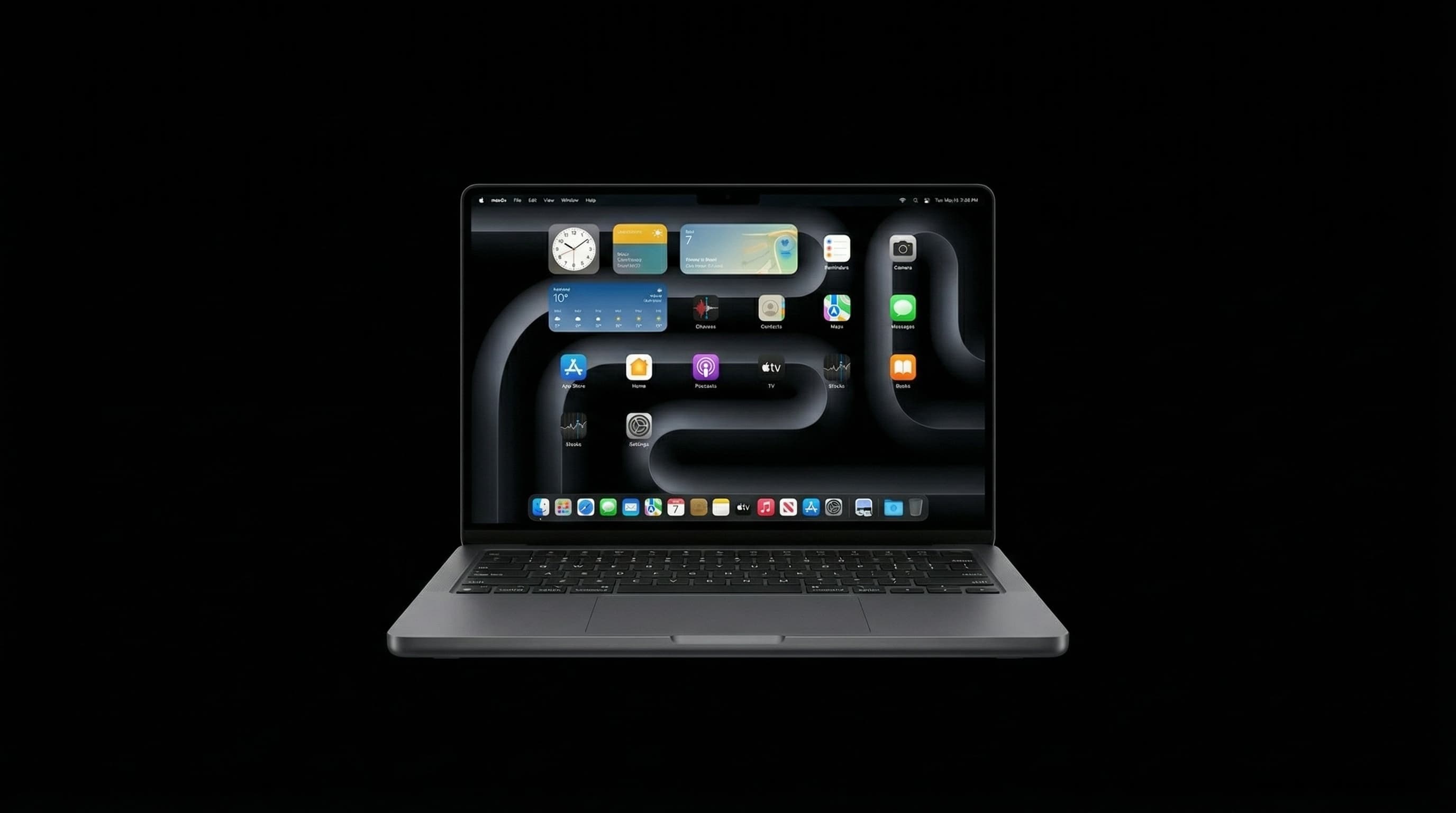
The transition from Intel to Apple Silicon — starting with the M1 in late 2020 — changed MacBook repair more fundamentally than any hardware revision since Apple moved from PowerPC to Intel in 2006. From a repair perspective, Apple Silicon MacBooks are a different category of device: different architecture, different failure modes, different tools required, and dramatically different implications for data recovery. At Mac Repair Center Mumbai, we repair both Intel and Apple Silicon MacBooks. This is what's actually different between them.
Architecture: The Core Difference
Intel MacBooks use a conventional PC architecture: a separate CPU, GPU (discrete or integrated), RAM, and SSD — each a distinct component with separate failure modes. Apple Silicon MacBooks integrate the CPU, GPU, Neural Engine, and RAM into a single System-on-Chip (SoC) die. This 'Unified Memory Architecture' means the SoC and RAM cannot be separated — if the SoC fails, you lose access to both compute and memory in one event.
- Intel MacBook: CPU, GPU (often separate die on Pro models), RAM (separate LPDDR chips), T2 security chip (2018–2020), SSD (separate NVMe controller + NAND)
- Apple Silicon MacBook: SoC containing CPU + GPU + Neural Engine + RAM (Unified Memory), no T2 (functions integrated into SoC), SSD (separate NAND flash chips, but SSD controller integrated into SoC)
Failure Mode Differences
- GPU failure — Intel MacBooks can fail at the GPU die level independently (the 2011 MacBook Pro GPU issue, the 2019 16-inch GPU solder joint failure). Apple Silicon MacBooks cannot fail at 'only the GPU' — the GPU is integrated into the SoC. GPU-related issues in Apple Silicon are rare and typically indicate a broader SoC problem.
- RAM failure — Intel MacBooks with soldered RAM can have LPDDR chips fail independently; this produces specific kernel panic patterns (ECC errors, memory bus errors). Apple Silicon MacBooks showing RAM-like symptoms (random crashes, ECC kernel panics) are indicating a problem with the unified memory portion of the SoC itself — a fundamentally harder diagnosis.
- Power management — Intel MacBooks have a dedicated Power Management IC (PMIC) separate from the CPU. Apple Silicon MacBooks have power management partially integrated into the SoC, with external PMICs handling specific rails. This changes which components we look at first when a Mac won't turn on.
- Charging controller — broadly similar between both generations; the USB-C charging circuit is external to the SoC on both. Charging IC failures look similar on Intel and Apple Silicon boards.
- SSD failure — Intel MacBook SSDs use a separate NVMe controller chip plus NAND packages. If the controller fails, the NAND may still be readable through specialised equipment. Apple Silicon MacBook SSD controllers are integrated into the SoC — if the SoC fails, the NAND data is inaccessible even with the physical NAND chips intact.
Data Recovery: The Critical Difference
This is where Intel vs Apple Silicon makes the biggest practical difference for users:
- Intel MacBooks (2018–2020 with T2): Data is encrypted by the T2 chip. If the T2 is alive and can be restored (DFU), data is accessible. If the T2 is completely dead, data is lost — the encryption keys die with the T2.
- Intel MacBooks (pre-2018, no T2): Data is stored unencrypted by default (unless FileVault is enabled). If the SSD controller fails, the NAND can potentially be read directly. These are the most data-recovery-friendly MacBooks.
- Apple Silicon MacBooks: All storage is encrypted by the SoC's Secure Enclave. The decryption keys are tied to the SoC. If the SoC is functional — even partially — data can be recovered. If the SoC is completely non-functional, the NAND data is cryptographically inaccessible — even with the physical NAND chips intact and readable.
- Implication: For Apple Silicon MacBooks, logic board repair is the only path to data recovery. We prioritise restoring the board to function before any data extraction. This is why 'no data, no fee' data recovery works differently for Apple Silicon — we charge for repair attempts because board repair is required for data access.
If you have an Apple Silicon MacBook that won't turn on and you haven't backed up recently, do not let anyone attempt to open the NAND chips directly — this cannot access Apple Silicon encrypted data. The only path to recovery is board repair.
Diagnostic Tools: What Changes
Intel MacBooks can be diagnosed with standard PC diagnostic techniques — voltage measurement at known test points, schematic-referenced current draw analysis, and conventional board-view tools. Apple Silicon MacBooks require Apple-specific diagnostic access:
- Apple Configurator 2 — required for DFU restore on Apple Silicon (similar to T2 Intel). Without a second Mac running Configurator 2, firmware restore is not possible.
- Apple Service Toolkit 2 (AST2) — Apple's own diagnostic software, required for certain post-repair validations on Apple Silicon. Third-party repair centres without AST2 access may not be able to complete certain diagnostics.
- Schematic differences — Apple Silicon board schematics are different enough from Intel that Intel schematic experience does not fully transfer. Our technicians are trained on Apple Silicon board layouts separately.
- Current draw analysis — at power-on, Apple Silicon MacBooks show different current signatures than Intel models. Interpreting these correctly requires Apple Silicon-specific reference data.
What This Means If Your Apple Silicon MacBook Fails
- 1Get it to a specialist quickly — Apple Silicon board faults are harder to recover from when they've been sitting unpowered for weeks. Some failure modes are progressive.
- 2Do not attempt DIY repair — Apple Silicon boards are more sensitive to incorrect voltage application than Intel boards. An incorrect repair attempt can make recovery significantly harder.
- 3Backup regularly — for Apple Silicon, there is no 'pull the drive and read it elsewhere' option. Your backup is your only protection against data loss from a hardware failure.
- 4Expect the repair to take longer — Apple Silicon diagnosis is more complex than Intel. We give realistic timelines after free diagnosis rather than overpromising same-day for complex faults.
Apple Silicon MacBooks are, on balance, more reliable than their Intel predecessors. The thermal management is dramatically better (lower heat = less electrolyte damage, fewer solder joint failures), and the elimination of the discrete GPU removes a significant failure point. The trade-off is that when Apple Silicon boards do fail, recovery is harder and data loss risk is higher. The argument for regular backups is stronger than ever.
Apple Silicon MacBook Fault? We Specialise in M1/M2/M3 Repair.
Mac Repair Center is one of very few repair centres in Mumbai with genuine Apple Silicon diagnostic capability and M-series schematic access. Free diagnosis for all Apple Silicon MacBook faults — M1, M2, M3, M4. Free pickup across Mumbai. WhatsApp +91 77000 44192.
Free pickup available across all Mumbai areas · Mon–Sat 10am–8pm
10+ years of chip-level Apple repair experience in Mumbai. Specialises in MacBook logic board micro-soldering, data recovery, and complex Apple hardware faults. Every repair backed by a 90-day warranty.
Related Services & Repairs
Related service:
MacBook Repair Mumbai — View Full Service Details →More from the Blog
M1, M2, M3, M4 and M5 MacBook Logic Board Repair Cost in Mumbai (2026)
Logic board repair on a MacBook with a standard M1 to M5 chip costs ₹6,000–₹16,000 in Mumbai, depending on which chip has failed. What decides the price, the faults behind most repairs, what Pro and Max models cost, and how it compares with Apple's board replacement.
Forgot Your Mac Password or the Board Failed? What's Recoverable on an M-Series MacBook With FileVault
FileVault decides what can be recovered from an M-series MacBook. When a forgotten password is fixable, when it isn't, how that combines with a dead logic board, and why nobody legitimate can bypass it.
"Logic Board Replacement Required": What Apple's Quote Means for Your M-Series MacBook
Apple quoted a full logic board replacement for your M1, M2, M3 or M4 MacBook. Here's why Apple quotes the whole board, what usually failed on it, when chip-level repair is the better deal, and when it honestly isn't.
Apple Device Problem?
Get It Fixed Today — Free Diagnosis.
Mumbai's chip-level Apple repair specialists. Same-day repair · 90-day warranty · 100% data privacy. Don't settle for a slow fix or a replacement you don't need.
Open Mon–Sat · 10:00 AM – 8:00 PM · Mumbai