
Spilled Tea or Coffee on Your MacBook? Do Exactly This (Not Rice)

By Shrey Sharma, Founder & Lead Technician · May 2026
Hot beverages are the most damaging liquid for a MacBook logic board — far worse than plain water. The sugars, tannins, and acids in chai and coffee accelerate corrosion in ways water doesn't. Here's the exact response protocol.
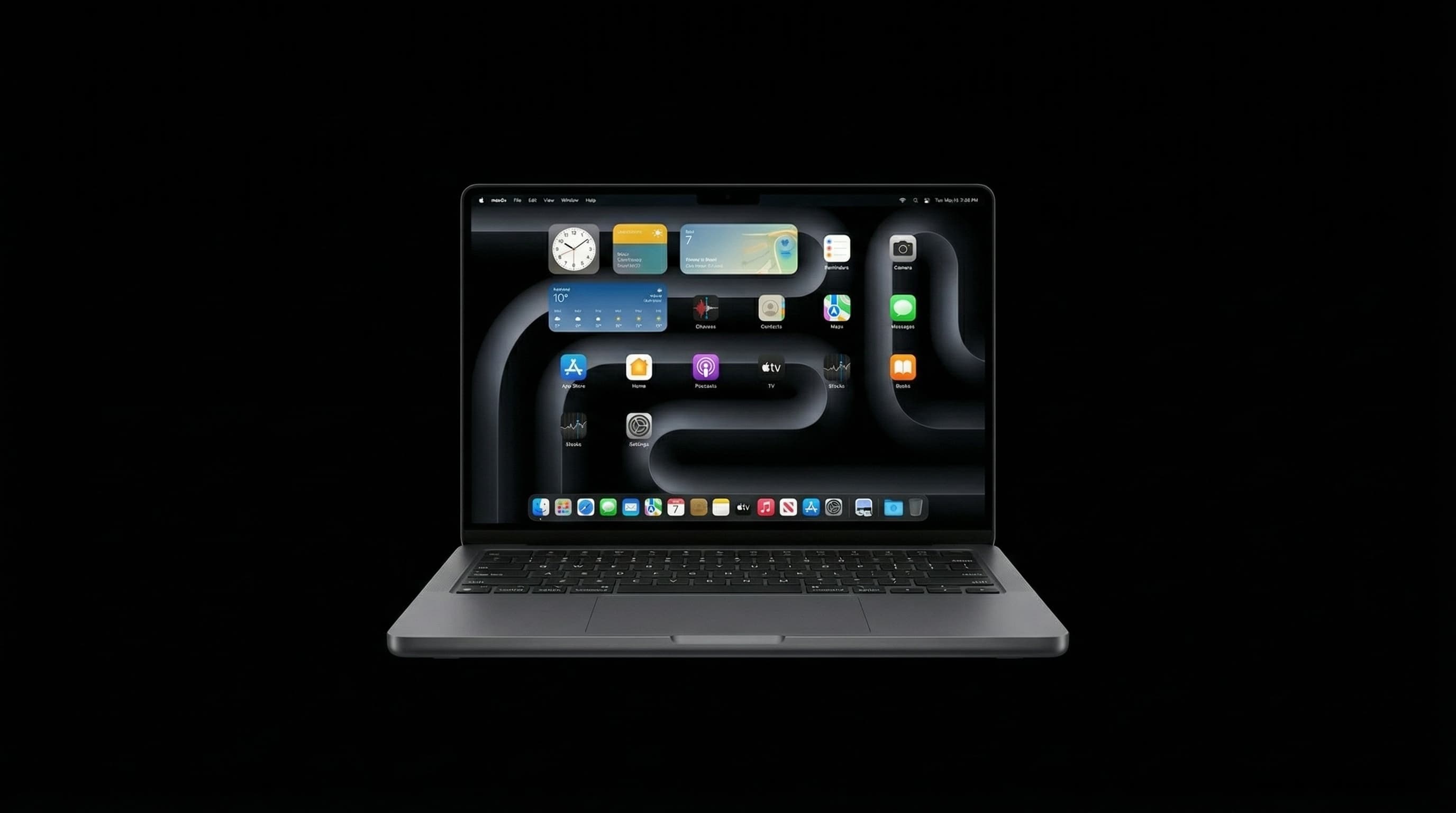
Every week at our Kandivali workshop we see the same scenario: a MacBook rushed in after a chai or coffee spill, with the owner hoping it survived. The hard truth is that hot beverages are significantly more damaging to a MacBook logic board than plain water — and the reason comes down to chemistry. The sugars, tannins, milk proteins, and acids in tea and coffee leave conductive residue that keeps attacking the board long after the liquid has dried. Here's what you need to know, and what to do in the first critical minutes.
Why Chai and Coffee Are Worse Than Water
Plain water is a reasonably poor conductor. It causes short circuits while wet, but once it evaporates it largely stops causing damage. Tea and coffee are a different story. They contain dissolved sugars that leave a sticky conductive film on board traces. Tannins from tea create acidic deposits that corrode copper. Milk proteins coagulate and trap moisture against components. Caffeine and other organic compounds bond to solder joints. And if you take your chai with sugar — which most people in Mumbai do — you're introducing a concentrated electrolyte that actively bridges component pads even after the liquid has dried.
Do NOT turn your MacBook on to check if it works. If there is any liquid between the logic board traces, powering on completes the short circuit and can burn out components that were otherwise undamaged.
The First 10 Minutes: Exact Protocol
- 1Hold the power button until the MacBook shuts off — do not just close the lid.
- 2Unplug the charger immediately.
- 3Tilt the MacBook so the spill side faces down — let gravity pull liquid away from the logic board rather than deeper into the chassis.
- 4Do not dab or wipe the keyboard aggressively — this pushes liquid through the gaps and onto the board.
- 5Do not use a hairdryer. Heat causes the sugars and proteins to bake onto the board, making cleaning far harder.
- 6Do not put it in rice. Rice does nothing for beverage spills — the residue is not moisture, it is dissolved solids.
- 7Call Mac Repair Center immediately: +91 77000 44192. Describe the spill — what liquid, how much, which area of the keyboard.
What Happens if You Wait
In the first 2–4 hours after a chai spill, the board can typically be cleaned with ultrasonic equipment and IPA, and most components can be saved. After 24 hours, the sugar residue begins to harden and the tannin acids start eating into copper traces. After 48–72 hours, we regularly see corrosion that has spread from the original spill area to adjacent components — requiring micro-soldering trace repairs in addition to cleaning.
The cost difference between a MacBook brought in within 4 hours of a chai spill versus one brought in after 48 hours can be ₹8,000–₹25,000. Speed is the single most important variable.
Liquid spilled directly on the keyboard is actually slightly less dangerous than liquid spilled on the sides or into a port. The keyboard has a membrane layer that slows liquid penetration. A side or port spill has a direct path to the logic board. Either way, shut down immediately and call us.
What Our Chai/Coffee Spill Repair Covers
- Full chassis disassembly and board removal
- Ultrasonic cleaning with professional-grade IPA solution
- Microscopic inspection of all affected board areas
- Corrosion removal and trace cleaning under 40× magnification
- BGA reflow or reballing where thermal damage occurred
- Keyboard replacement if the membrane was compromised
- Full functional test before return
- 90-day warranty on all repair work
Mumbai Monsoon + Hot Beverages = Peak Risk Season
During Mumbai's June–September monsoon, we see the highest volume of MacBook spill cases of the year. Working from home with a hot chai, commuting with a lidded coffee cup that leaks, or sitting at a café when the rain drives everyone indoors — the combination of monsoon season and beverage-heavy work culture creates predictable spill patterns. If your MacBook is your work machine, consider a keyboard cover during monsoon months. It won't stop a serious spill, but it gives you 3–5 extra seconds to react.
Spilled Something? Call Us Now.
Every minute matters with beverage spills. WhatsApp +91 77000 44192 with a description of the spill — we'll tell you exactly what to do before you even bring it in. Free pickup from anywhere in Mumbai. Free diagnosis. Chip-level repair that saves boards other shops declare unrepairable.
Free pickup available across all Mumbai areas · Mon–Sat 10am–8pm
10+ years of chip-level Apple repair experience in Mumbai. Specialises in MacBook logic board micro-soldering, data recovery, and complex Apple hardware faults. Every repair backed by a 90-day warranty.
Related Services & Repairs
More from the Blog
What Mumbai's Monsoon Humidity Does to Your MacBook and iPhone — 2026 Guide
You don't need to drop your MacBook in a puddle for monsoon to damage it. Mumbai's 85–95% relative humidity silently corrodes connectors, degrades batteries, and causes intermittent faults that take months to appear.
Mumbai Monsoon MacBook Protection Guide 2026: Before the Rain Hits
June is here. Here's the complete checklist Mumbai's MacBook users should run before monsoon season peaks — backup strategy, bag setup, insurance options, and the one repair you should get done before July.
MacBook Liquid Damage Repair Mumbai — Not Turning On? Fix It for 90% Less Than Apple
MacBook stopped working after a spill in Mumbai? Component-level logic board diagnosis — PPBUS_G3H shorts, charging IC failure, SMC corrosion — resolved same day with data preserved. Call 7700044192.
Apple Device Problem?
Get It Fixed Today — Free Diagnosis.
Mumbai's chip-level Apple repair specialists. Same-day repair · 90-day warranty · 100% data privacy. Don't settle for a slow fix or a replacement you don't need.
Open Mon–Sat · 10:00 AM – 8:00 PM · Mumbai