
Apple T2 Chip Failure Mumbai 2026: What It Controls, How It Fails, and What Can Be Fixed

By Shrey Sharma, Founder & Lead Technician · Updated May 2026
The T2 chip in 2018–2020 Intel MacBooks controls Touch ID, encrypted storage, Secure Boot, and power management. When it fails, the symptoms are confusing and most shops misdiagnose it. Here's what actually happens — and what chip-level repair can fix.
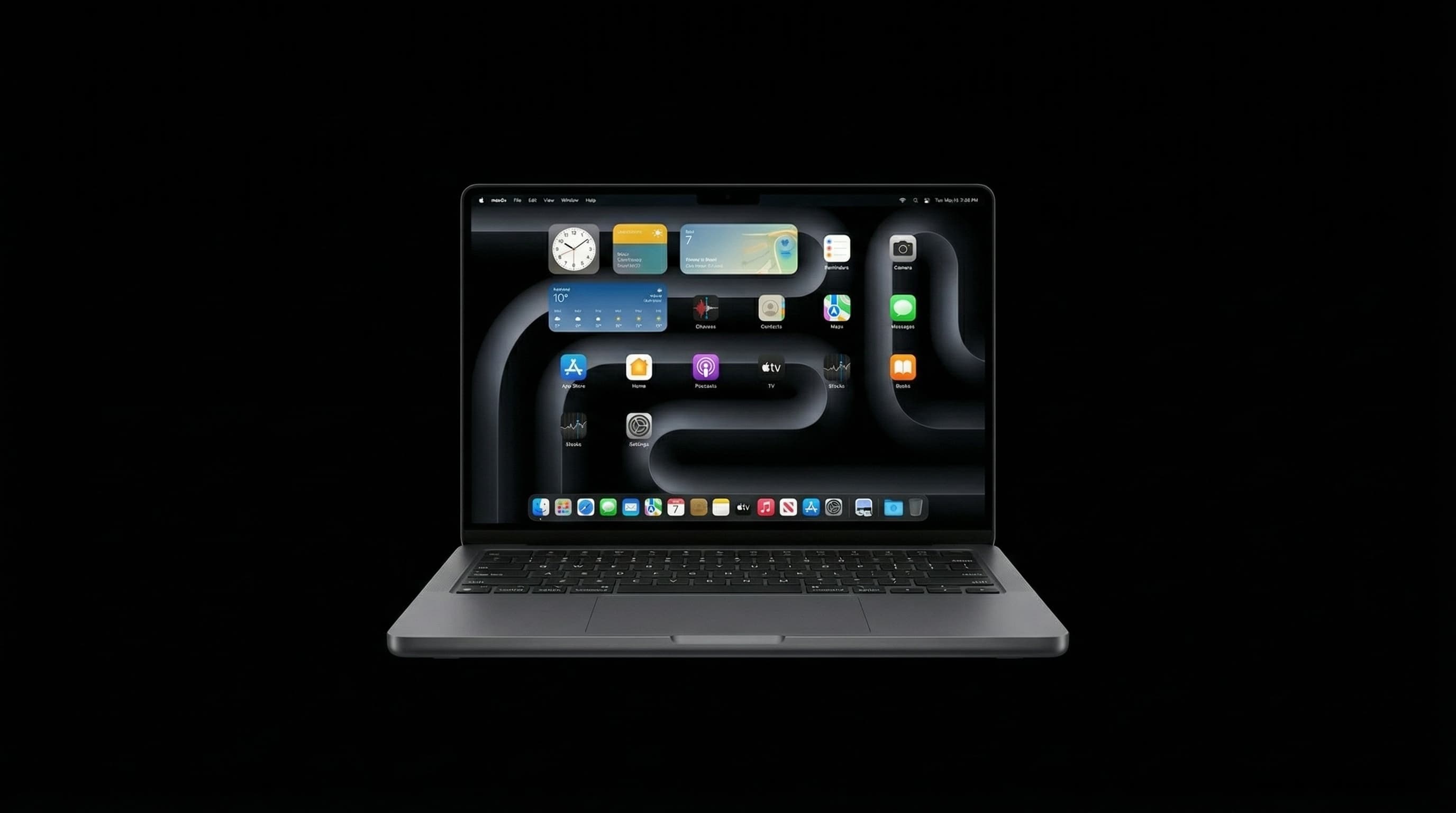
The Apple T2 chip is one of the least understood components in Intel-era MacBooks — and one of the most misdiagnosed causes of catastrophic-looking failures. It appears in every MacBook Pro and MacBook Air released between 2018 and 2020. When it fails, the symptoms can look like a dead battery, a dead logic board, a storage failure, or a software corruption — because the T2 is involved in all of those functions. At Mac Repair Center Mumbai, T2-related cases are among the most technically demanding repairs we handle. This is what actually happens.
What the Apple T2 Chip Actually Does
The T2 is a custom Apple ARM chip — the same architecture as the M1, just applied to a different role. It handles six major functions simultaneously:
- Secure Boot — the T2 verifies that macOS hasn't been tampered with before allowing the system to boot. If T2 firmware is corrupted or the chip fails, the MacBook will show a lock icon or folder with a question mark on startup.
- SSD encryption — the T2 manages the AES-256 hardware encryption of the internal SSD. The encryption keys are tied to the T2 chip itself. If the T2 dies and cannot be recovered, data on the SSD becomes permanently inaccessible — even with the physical SSD intact.
- Touch ID — the T2 processes Touch ID fingerprint data locally before allowing authentication. Touch ID failure is often T2-related, not sensor-related.
- Hey Siri — the T2 handles always-on voice detection without waking the main CPU.
- System Management Controller (SMC) — on T2 Macs, the SMC is embedded inside the T2. This controls power management, battery charging, thermal management, and the MagSafe/USB-C charging LED indicator.
- Image Signal Processor (ISP) — the T2 processes the FaceTime camera image to enable features like automatic exposure and noise reduction.
How the T2 Chip Fails
T2 failure falls into three categories, each with different prognosis for repair and data recovery:
- 1Firmware corruption — the T2's internal firmware becomes corrupted, typically after a failed macOS update, interrupted USB-C restore, or power loss during a critical update. The MacBook shows a padlock icon or won't boot. This is recoverable using Apple Configurator 2 in DFU mode — a process that restores T2 firmware without losing data.
- 2BGA solder joint failure — the T2 is a BGA chip (Ball Grid Array) with hundreds of microscopic solder balls connecting it to the logic board. Physical shock, thermal cycling, or manufacturing defects can cause these joints to crack. The result: intermittent behaviour — Touch ID working sometimes, charging intermittent, or the MacBook powering off randomly. BGA reflow or reballing can restore function.
- 3Total T2 chip failure — the T2 itself fails at a silicon level due to electrical surge, severe liquid damage, or simply silicon degradation. This is the most serious category: data on the SSD is typically unrecoverable because the encryption keys are lost with the chip. Board-level repair can sometimes restore function using a donor T2, but this requires expert micro-soldering.
If your T2 Mac stops booting and you haven't backed up recently, do not attempt a DFU restore yourself before consulting a specialist. A failed DFU restore on a T2 Mac can make data recovery harder. Call us first.
T2 Failure Symptoms — and What They're Often Misdiagnosed As
- MacBook won't turn on at all → often diagnosed as 'dead logic board' or 'dead battery' — frequently a T2 firmware or SMC issue
- Charging port not working, MagSafe LED not lighting up → T2 controls the SMC which controls charging signals — not necessarily a port fault
- Touch ID not working after liquid damage → T2 BGA joint failure, not the Touch ID sensor ribbon
- 'Folder with question mark' on boot → T2 cannot verify the boot volume — firmware issue, not necessarily storage failure
- SSD not recognised in Disk Utility → T2 decryption failing, not necessarily a dead SSD
- MacBook intermittently shutting down under load → T2/SMC power management fault, often misread as GPU or CPU failure
T2 Chip Repair: What's Possible
The repair options in order of likelihood and difficulty:
- 1DFU firmware restore — for firmware corruption cases. Requires a second Mac, Apple Configurator 2, and a USB-C cable connection between the two machines. Success rate is high when the T2 hardware is intact. This is free to attempt and preserves all data.
- 2BGA reflow — for solder joint failures. The T2 is heated under controlled temperature to reflow the solder balls and restore connectivity. Not a permanent fix in all cases, but restores function long enough to back up data and assess options.
- 3BGA reballing — for severe or recurring joint failures. The T2 is removed, old solder balls are stripped, and fresh solder balls are applied before replacement. Higher reliability than reflow alone.
- 4T2 chip transplant — for total T2 failure. A donor T2 from a compatible model is removed and soldered onto the failing board. Technically demanding — requires donor sourcing, precise temperature profiling, and post-installation firmware programming.
If the T2 can be restored to function — even temporarily — data becomes accessible. This is why we always attempt T2 firmware restore and BGA reflow before declaring data unrecoverable. Even a few minutes of function can be enough to copy critical files.
Which MacBooks Have the T2 Chip?
- MacBook Pro 13-inch (2018, 2019, 2020) — all Touch Bar models
- MacBook Pro 15-inch (2018, 2019)
- MacBook Pro 16-inch (2019)
- MacBook Air (2018, 2019, 2020)
- Mac mini (2018)
- iMac Pro (2017)
- Mac Pro (2019)
- Note: MacBook Air 2017 and earlier, MacBook Pro 2017 and earlier do NOT have T2. Apple Silicon Macs (M1 and later) use a different architecture — the T2's functions are integrated into the SoC directly.
What is the Apple T2 chip and which MacBooks have it?
The Apple T2 is a custom ARM security chip built into Intel-based MacBook Pro and MacBook Air models from 2018 to 2020. It handles Secure Boot, hardware SSD encryption, Touch ID, the system management controller (SMC), Hey Siri, and the FaceTime camera image processor — all in one chip. MacBooks from 2021 onward use Apple Silicon (M1 and later), where these functions are integrated directly into the main SoC rather than a separate T2 chip.
How do I know if my MacBook has a T2 chip failure?
Common T2 failure symptoms include: the MacBook not turning on at all, a padlock or folder-with-question-mark icon on startup, Touch ID stopping suddenly, charging not working despite a good cable and adapter, and the MacBook shutting down randomly under load. The critical clue is that these symptoms can appear together or interchangeably — because the T2 controls all of them. If a repair shop tells you the logic board needs full replacement without specifically diagnosing the T2, get a second opinion.
Can the Apple T2 chip be repaired?
Yes — depending on the failure mode. Firmware corruption (the most common cause) is recoverable via DFU restore using Apple Configurator 2. Solder joint failures (BGA reflow or reballing) can restore function without replacing the chip. In cases of total T2 silicon failure, a chip transplant from a donor board is sometimes possible. Mac Repair Center handles all three repair levels. The key is correct diagnosis first — most T2 cases that other shops write off as 'dead logic board' are actually firmware or BGA joint failures.
How much does T2 chip repair cost in Mumbai?
T2 chip repair cost at Mac Repair Center depends on the failure type: DFU firmware restore is ₹2,000–₹4,000 (lowest cost, preserves all data). BGA reflow is ₹5,000–₹8,000. BGA reballing is ₹8,000–₹14,000. T2 chip transplant (donor chip sourcing + micro-soldering) is ₹12,000–₹18,000. Compare this to Apple's out-of-warranty logic board replacement at ₹40,000–₹80,000+. Free diagnosis confirms the exact repair path before any commitment.
Is T2 chip failure covered by Apple warranty in India?
If your MacBook is within its 1-year Apple limited warranty or covered by AppleCare+, Apple will repair T2-related faults at no charge. However, Apple's repair approach is typically full logic board replacement rather than T2-level repair. Once your warranty has expired, Apple's authorised service will quote you for a full board swap at ₹40,000–₹80,000+. At that point, Mac Repair Center's chip-level T2 repair — starting at ₹5,000 — is almost always the better option.
Can data be recovered from a MacBook with a dead T2 chip?
Data recovery from a T2 Mac is possible if the T2 can be restored to function — even temporarily. The T2 chip holds the hardware AES-256 encryption keys for the SSD. If the T2 is completely dead and unrecoverable, the data on the SSD becomes permanently inaccessible (the SSD itself is fine; the keys to decrypt it are gone). This is why we always attempt DFU firmware restore and BGA reflow before declaring data unrecoverable. Even brief T2 function is enough to copy critical files. Never attempt a DIY DFU restore on a T2 Mac without specialist guidance — a failed restore can complicate recovery.
What is the difference between the T2 chip and Apple Silicon?
The T2 is a dedicated security and system management chip found alongside Intel processors in 2018–2020 MacBooks. Apple Silicon (M1, M2, M3, M4) refers to Apple's own main processor chips that replaced Intel in 2020 onward. In Apple Silicon Macs, the T2's functions — Secure Boot, encryption, Touch ID, SMC — are integrated directly into the M-series SoC rather than existing as a separate chip. This is why Apple Silicon MacBooks have a different repair profile: there is no separate T2 to fail or replace.
Should I try a DFU restore myself or bring it to a specialist?
A DFU restore via Apple Configurator 2 is the correct first step for T2 firmware corruption — and it can be done without losing data if completed successfully. However, if the restore fails partway through (due to a weak USB-C cable, power interruption, or underlying hardware fault), it can lock the T2 into a recovery loop that makes subsequent repair harder. If your MacBook has critical data and you haven't backed up recently, bring it to Mac Repair Center first. We can attempt the DFU restore under controlled conditions and pivot to board-level repair immediately if it fails. Free diagnosis — call +91 77000 44192.
T2 Mac Not Booting? Free Diagnosis at Our Kandivali West Workshop.
T2 chip failures are among the most misdiagnosed MacBook issues in Mumbai. At Mac Repair Center, we have the tools, schematics, and experience to correctly diagnose T2 vs logic board vs storage faults — and to attempt data recovery even from T2 failures that other shops declare hopeless. Free diagnosis, transparent pricing, free pickup across Mumbai. Call +91 77000 44192.
Free pickup available across all Mumbai areas · Mon–Sat 10am–8pm
10+ years of chip-level Apple repair experience in Mumbai. Specialises in MacBook logic board micro-soldering, data recovery, and complex Apple hardware faults. Every repair backed by a 90-day warranty.
Related Services & Repairs
Related service:
MacBook Logic Board Repair Mumbai — View Full Service Details →More from the Blog
M1, M2, M3, M4 and M5 MacBook Logic Board Repair Cost in Mumbai (2026)
Logic board repair on a MacBook with a standard M1 to M5 chip costs ₹6,000–₹16,000 in Mumbai, depending on which chip has failed. What decides the price, the faults behind most repairs, what Pro and Max models cost, and how it compares with Apple's board replacement.
iMac Repair in Mumbai — Screen, Logic Board, RAM, SSD & More
iMac not working? Complete guide to iMac repair in Mumbai — screen replacement, logic board, RAM upgrade, SSD swap. Costs, timelines, and what to expect.
MacBook Liquid Damage Repair Mumbai — Not Turning On? Fix It for 90% Less Than Apple
MacBook stopped working after a spill in Mumbai? Component-level logic board diagnosis — PPBUS_G3H shorts, charging IC failure, SMC corrosion — resolved same day with data preserved. Call 7700044192.
Apple Device Problem?
Get It Fixed Today — Free Diagnosis.
Mumbai's chip-level Apple repair specialists. Same-day repair · 90-day warranty · 100% data privacy. Don't settle for a slow fix or a replacement you don't need.
Open Mon–Sat · 10:00 AM – 8:00 PM · Mumbai