
Mumbai Monsoon MacBook Protection Guide 2026: Before the Rain Hits

By Shrey Sharma, Founder & Lead Technician · May 2026
June is here. Here's the complete checklist Mumbai's MacBook users should run before monsoon season peaks — backup strategy, bag setup, insurance options, and the one repair you should get done before July.
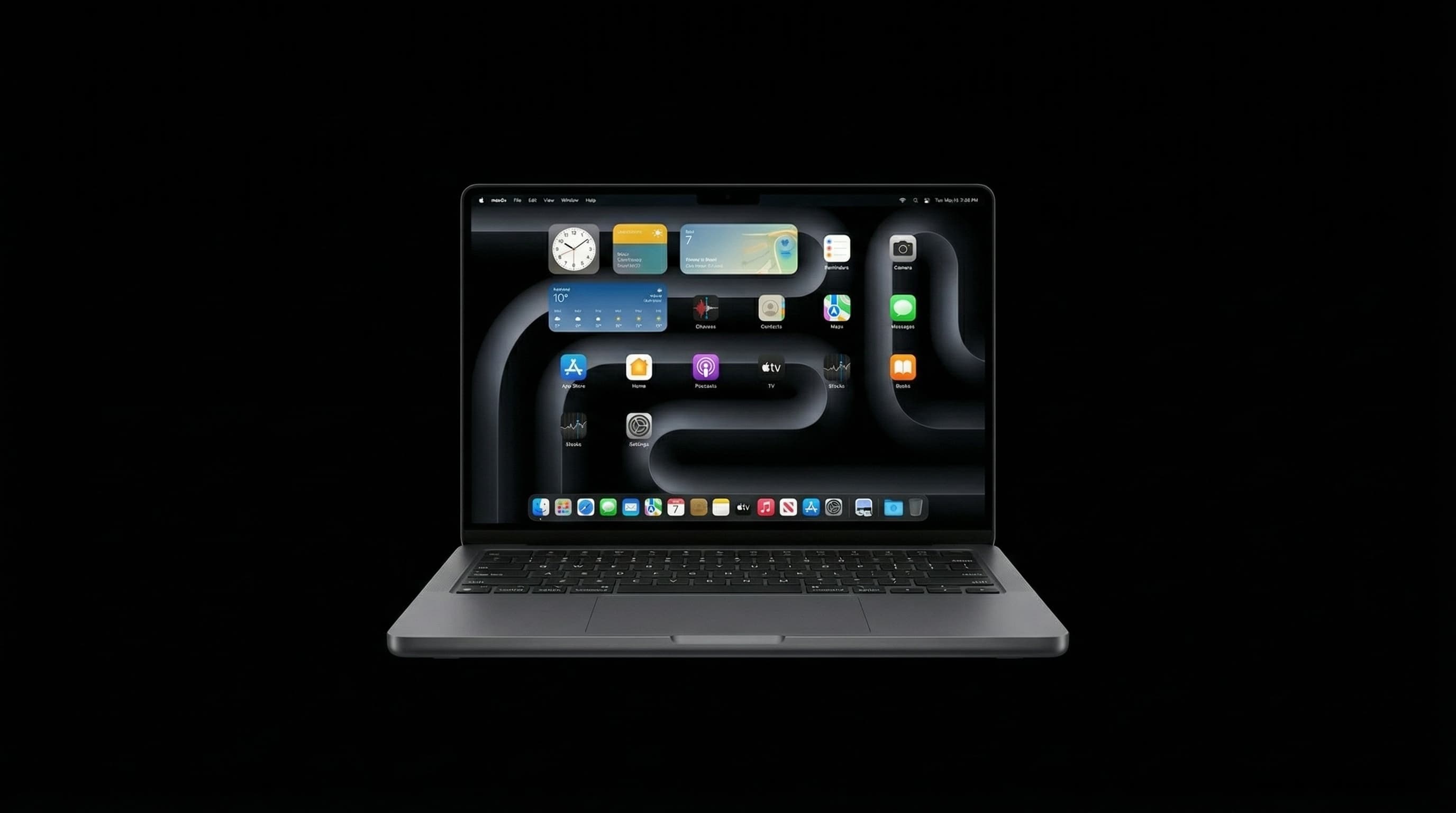
Mumbai's monsoon arrives between June 5 and June 15 most years, and it doesn't ease up until late September. For MacBook owners who commute, work from cafés, or just live in a city where rain comes sideways and streets flood in 20 minutes, monsoon is the single highest-risk period of the year for device damage. This guide is the checklist we give to our own customers at Mac Repair Center: everything to do before the rain peaks, so you're not among the first wave of water-damage cases that arrive every June.
Step 1: Back Up Everything Right Now
If your MacBook were destroyed tomorrow — flooded, dropped, stolen — how much irreplaceable data would you lose? Before monsoon season, this question needs an honest answer. The backup hierarchy we recommend for Mumbai users:
- 1Time Machine to an external SSD — keep it at home (not in the same bag as your MacBook). A 1TB external SSD costs ₹4,000–₹6,000 and should run overnight backup weekly.
- 2iCloud or Google Drive for documents, photos, and work files. The 200GB plan costs ₹219/month and is genuinely worth it during monsoon.
- 3For business-critical work: a cloud repository (GitHub, Dropbox, Notion) that auto-syncs as you work. If your MacBook is destroyed, you should be able to continue on a borrowed machine within 30 minutes.
3 copies of your data, on 2 different media types, with 1 stored off-site (or in cloud). During Mumbai monsoon, this isn't paranoia — it's the standard that anyone who has lost data to water damage wishes they'd followed.
Step 2: Get Your MacBook Serviced Before July
Monsoon amplifies existing problems. A battery at 70% health in May will drain embarrassingly fast in July. A slightly sticky key in May will start misbehaving when humidity hits 90%. A USB-C port that occasionally fails to charge in May will be unpredictable all monsoon season. The repairs that are worth doing before July:
- Battery replacement if health is below 80% in System Information → Power
- Keyboard cleaning or replacement if any keys are sticky, rattling, or intermittent
- USB-C port inspection and cleaning — dust and oxidation are worse in humid conditions
- Thermal service (clean heatsink, replace thermal paste) if your MacBook runs hot — heat + humidity is a bad combination
- Screen repair if there's any existing crack — water can enter and cause display damage
Step 3: The Right Bag Setup for Mumbai Monsoon
Your bag is the first line of defence. The best bags for Mumbai monsoon MacBook transport:
- Bags with a waterproof or water-resistant rating (IPX4 or above) — Bellroy, Incase, and Tomtoc have good options in the ₹3,000–₹8,000 range
- A separate waterproof laptop sleeve inside any bag — even a cheap ₹500 neoprene sleeve reduces splash risk significantly
- Rain cover: most quality backpacks include one, or buy a universal rain cover for ₹300–₹800
- Avoid top-loading bags on the Western Railway local during monsoon — the overhead compartments collect water from wet umbrellas and jackets
- Zip all pockets — open pockets collect rain in Mumbai's horizontal monsoon showers
Step 4: Monsoon Emergency Kit
Keep these in your bag from June to September:
- 2–3 silica gel packets (available on Amazon India for ₹100–₹200 for a pack of 10) — absorb ambient moisture in your bag
- A large zip-lock bag — if you get caught in serious flooding, your MacBook goes in the zip-lock bag
- A small microfibre cloth — for wiping down ports and the exterior if your device gets wet before you can reach shelter
- A portable power bank — monsoon power cuts are common in older Mumbai buildings; a dead MacBook is one more vulnerability
Step 5: Insurance for Your MacBook
AppleCare+ for Mac covers accidental damage (including liquid damage) for two incidents per 12 months, with a service fee per incident. For a MacBook Pro, that service fee is significantly less than the cost of a logic board repair. If you don't have AppleCare+ and your MacBook is less than 2 years old, consider whether adding it now (or buying extended warranty from a third party) makes sense before monsoon. For older MacBooks, budget instead for a 'monsoon emergency fund' — ₹10,000–₹15,000 set aside for the scenario we hope you never need.
What To Do If It All Goes Wrong
If your MacBook gets water-damaged despite all precautions: power off immediately, don't attempt to charge or restart, and get it to us at Mac Repair Center within 4 hours. The window between 'repairable' and 'partial recovery' and 'data-only recovery' is measured in hours, not days. Save our number now: +91 77000 44192.
Pre-Monsoon Service Available Now — Walk In or Book Pickup
Battery replacement, keyboard service, port cleaning, and thermal service — everything your MacBook needs before the rain hits. Walk in to Raghuleela Mega Mall, Kandivali West, or WhatsApp +91 77000 44192 to book a free pre-monsoon inspection. Open Mon–Sat, 10am–8pm.
Free pickup available across all Mumbai areas · Mon–Sat 10am–8pm
10+ years of chip-level Apple repair experience in Mumbai. Specialises in MacBook logic board micro-soldering, data recovery, and complex Apple hardware faults. Every repair backed by a 90-day warranty.
Related Services & Repairs
Related service:
MacBook Repair Mumbai — View Full Service Details →More from the Blog
What Mumbai's Monsoon Humidity Does to Your MacBook and iPhone — 2026 Guide
You don't need to drop your MacBook in a puddle for monsoon to damage it. Mumbai's 85–95% relative humidity silently corrodes connectors, degrades batteries, and causes intermittent faults that take months to appear.
MacBook Not Charging? Here's Exactly What's Wrong (+ Mumbai Repair Cost 2026)
After 5,000+ MacBook repairs in Mumbai, here's the honest breakdown: the 6 most common causes, 3 free fixes to try first, and exact 2026 repair costs — from ₹0 (SMC reset) to ₹25,000 (liquid damage board repair).
Spilled Tea or Coffee on Your MacBook? Do Exactly This (Not Rice)
Hot beverages are the most damaging liquid for a MacBook logic board — far worse than plain water. The sugars, tannins, and acids in chai and coffee accelerate corrosion in ways water doesn't. Here's the exact response protocol.
Apple Device Problem?
Get It Fixed Today — Free Diagnosis.
Mumbai's chip-level Apple repair specialists. Same-day repair · 90-day warranty · 100% data privacy. Don't settle for a slow fix or a replacement you don't need.
Open Mon–Sat · 10:00 AM – 8:00 PM · Mumbai