
How to Tell if Your iPhone Display Is Original or Duplicate (Before and After a Repair)

By Shrey Sharma, Founder & Lead Technician · May 2026
Not all replacement displays are equal — and the difference shows up in colour accuracy, touch response, and True Tone. Here's how to check whether your iPhone has an original or duplicate display, in under 5 minutes.
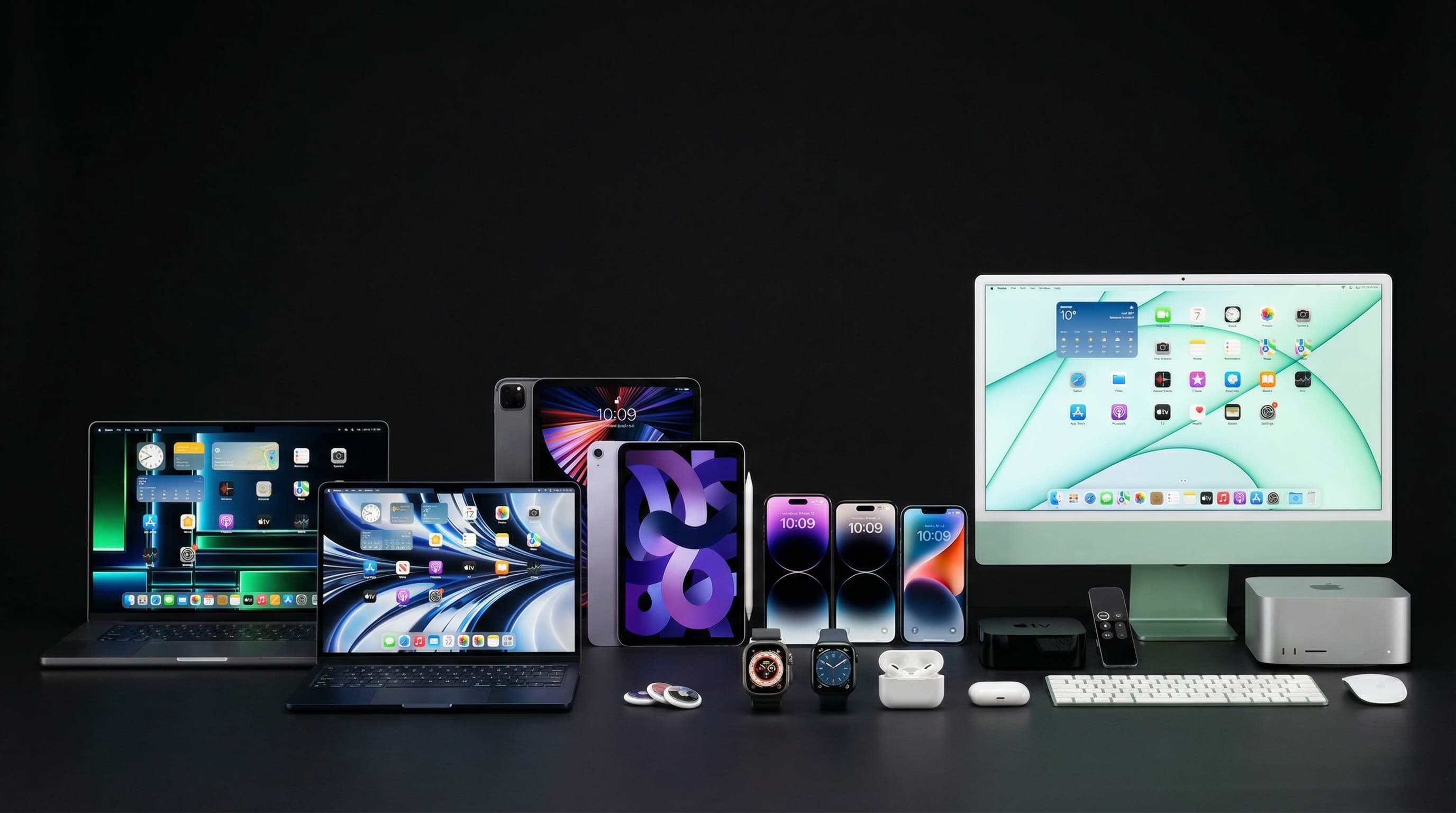
Whether you're buying a used iPhone or just got your screen replaced somewhere, knowing whether the display is a genuine Apple part or a cheaper duplicate (aftermarket) panel matters — it affects color accuracy, battery life, touch sensitivity, and whether features like True Tone work properly. Here's how to check, no tools required.
Quick Visual and Functional Tests (2 Minutes)
- 1Check True Tone — go to Settings > Display & Brightness. If 'True Tone' doesn't appear at all on a model that should have it, the screen is very likely a non-genuine replacement — True Tone requires a genuine display calibrated to the device
- 2Compare whites side-by-side — open a plain white image or a blank Notes page next to another iPhone of the same model. Duplicate screens commonly show a slight blue, yellow, or greenish tint compared to Apple's calibrated white
- 3Test touch response at the very edges — swipe from the extreme corners and edges of the screen. Aftermarket digitizers often have reduced sensitivity near the bezels
- 4Check brightness at maximum — genuine displays reach significantly higher peak brightness outdoors. A screen that looks dim or washed out in sunlight compared to a reference device suggests a lower-grade panel
- 5Look at the viewing angles — tilt the phone away from you at a sharp angle. Genuine Apple displays maintain color accuracy; many aftermarket LCDs show color shifting or a 'glow' effect at angles
The Settings Check That Tells You Definitively (iOS 15.2+)
Apple added a built-in 'Parts and Service History' feature specifically so users can verify genuine parts after a repair. Go to Settings > General > About and scroll down. If it shows 'Important Display Message: Unable to verify this iPhone has a genuine Apple display,' the screen is a non-Apple part — either a duplicate panel, or a genuine part installed without Apple's parts-pairing process being completed.
| Indicator | Genuine Apple Display | Aftermarket / Non-Genuine Display |
|---|---|---|
| True Tone option | Available and adjusts automatically with ambient light | Often missing entirely, or present but non-functional |
| Settings > General > About message | No warning shown, or 'Genuine Apple Part' confirmation | 'Unable to verify this iPhone has a genuine Apple display' |
| Color accuracy | Calibrated whites, accurate skin tones, consistent across viewing angles | Slight tint (blue/yellow/green), color shift at angles |
| Touch response at edges | Uniform sensitivity across the entire panel including bezels | Reduced sensitivity or occasional missed touches near edges |
| Peak outdoor brightness | Matches Apple's published nits rating for the model | Often noticeably dimmer in direct sunlight |
Sometimes a shop installs an authentic Apple display salvaged from another device, but the part-pairing software step (linking the new screen's serial number to your phone's logic board) wasn't completed. The display itself may be 100% genuine Apple hardware — just not 'paired' through Apple's proprietary process. This is common with high-quality independent repairs and doesn't affect the screen's actual performance, only the software message.
If you're buying a used iPhone and see the 'Unable to verify genuine Apple display' message, it's not necessarily a dealbreaker — but it IS something to factor into your price negotiation, since a quality screen replacement (with a properly calibrated genuine or premium OEM-grade panel) typically costs ₹8,000–₹25,000 depending on the model.
Get a Genuine-Quality Screen Replacement, Done Right
We use premium, color-accurate displays with proper calibration — and we'll show you the part before it goes in. Free diagnostic, transparent pricing, 90-day warranty on all screen replacements.
Free pickup available across all Mumbai areas · Mon–Sat 10am–8pm
10+ years of chip-level Apple repair experience in Mumbai. Specialises in MacBook logic board micro-soldering, data recovery, and complex Apple hardware faults. Every repair backed by a 90-day warranty.
Related Services & Repairs
Related service:
iPhone Screen Repair Mumbai — View Full Service Details →More from the Blog
How to Check if Your iPhone or MacBook Has Genuine Parts (Repair History Check)
Buying second-hand or just got something replaced? Apple's devices can now tell you, in plain language, whether a part is genuine — here's exactly where to look on iPhone and Mac.
How to Remove Your Apple ID from an iPhone Before Selling It (Without Losing Your Data)
Forgetting to remove your Apple ID is the #1 reason sellers get angry messages from buyers a week later. Here's the correct order of steps — so your data stays safe and the new owner can actually use the phone.
How to Disable iMessage Before Switching from iPhone to Android (So You Don't Lose Texts)
Skip this step, and friends with iPhones will keep texting a number that goes nowhere — for months. Here's how to deregister iMessage properly, even if you no longer have your old iPhone.
Apple Device Problem?
Get It Fixed Today — Free Diagnosis.
Mumbai's chip-level Apple repair specialists. Same-day repair · 90-day warranty · 100% data privacy. Don't settle for a slow fix or a replacement you don't need.
Open Mon–Sat · 10:00 AM – 8:00 PM · Mumbai