
Can You Upgrade RAM or SSD on a MacBook in 2026? Intel vs Apple Silicon Explained

By Shrey Sharma, Founder & Lead Technician · June 2026
If you're thinking 'I'll just add more RAM or swap in a bigger SSD' — stop. Whether that's even possible depends entirely on which MacBook you own. Here's the straight answer for every generation.
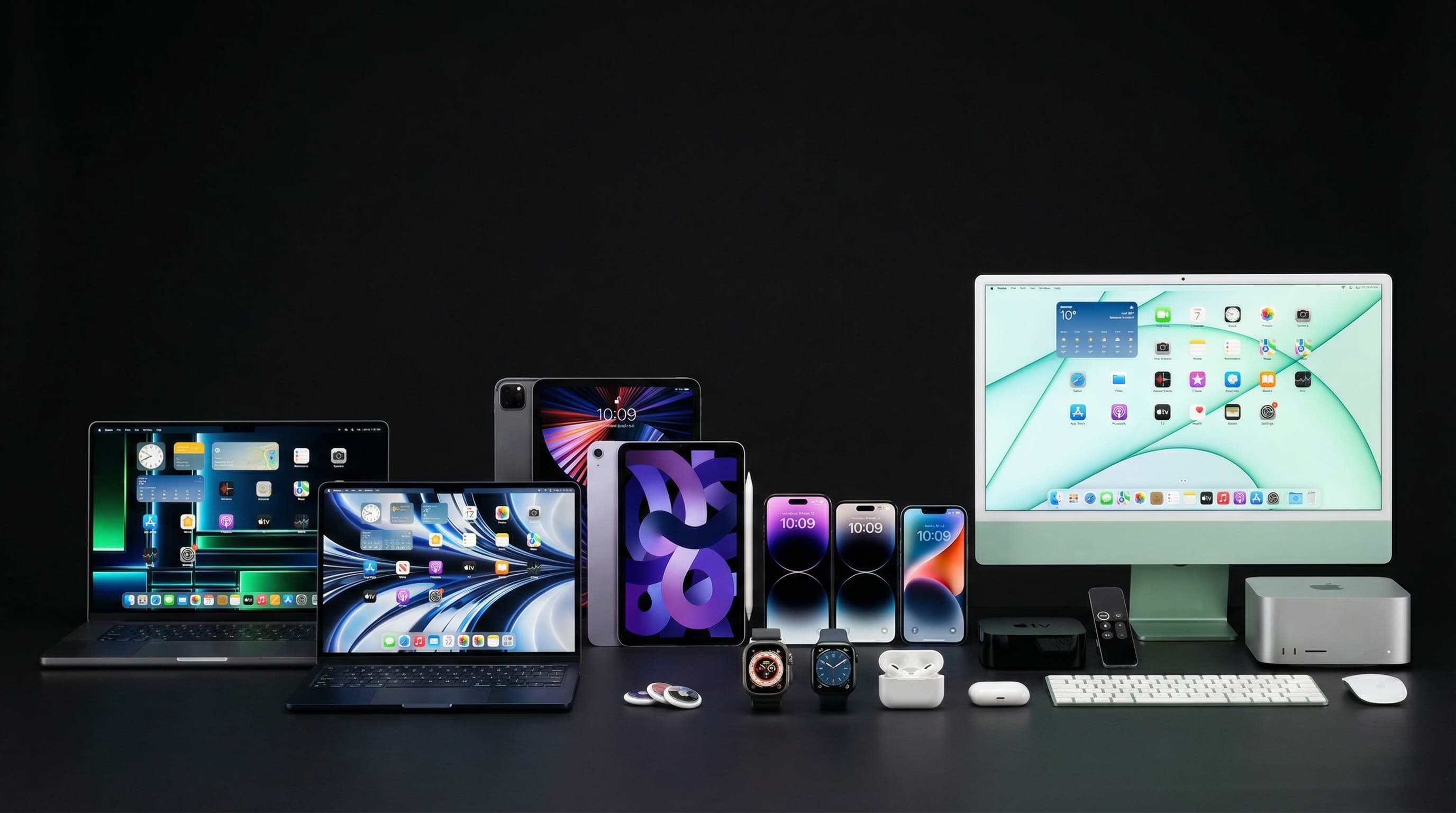
This is one of the most common questions we get from people about to buy a used MacBook, or already struggling with a 'Storage Almost Full' warning — and the honest answer is genuinely different depending on which MacBook generation you own. On some models, a RAM or SSD upgrade is a routine, affordable repair-counter job. On others, it's not just expensive — it's physically impossible, no matter how much you're willing to pay. Knowing which category your machine falls into can save you from a frustrating, wasted trip.
The Short Answer, By MacBook Generation
| MacBook Generation | Can RAM Be Upgraded? | Can SSD/Storage Be Upgraded? |
|---|---|---|
| 2015 and earlier (removable RAM era) | Yes — physical RAM modules can be swapped | Yes — SATA/PCIe SSDs can usually be replaced |
| 2016–2020 Intel MacBooks (soldered RAM era) | No — RAM is soldered to the logic board | Sometimes — some models use replaceable proprietary SSD modules |
| 2020–2026 Apple Silicon (M1/M2/M3/M4) | No — RAM is part of the unified memory on the chip package itself | No — storage is soldered directly to the logic board |
Why Apple Silicon Macs Can't Be Upgraded At All
This surprises a lot of people, so it's worth explaining clearly: on M1, M2, M3, and M4 MacBooks, what Apple calls 'Unified Memory' is physically fabricated as part of the same silicon package as the processor itself — not a separate, swappable component sitting in a slot. There is no RAM stick to remove and no replacement to insert; the memory is the chip. Storage works similarly — the SSD controller is integrated into the chip, and the NAND flash modules are soldered directly onto the logic board in a configuration that's effectively impossible to service or upgrade after purchase, even by Apple itself. This is precisely why Apple prices its configure-to-order RAM and storage upgrades so aggressively when you're buying new — because it's genuinely your only window to make that choice.
Be very wary of any seller, marketplace listing, or repair counter that claims they can 'upgrade the RAM' on an M1/M2/M3/M4 MacBook. This isn't a matter of skill or tools — it is physically not possible on these chips. Anyone offering it is either confused about your model or not being straight with you.
What This Means If You're Already Stuck With 'Not Enough'
- 1Free up storage first — clear caches, offload large files to iCloud or external drives, and use 'Manage Storage' in About This Mac to find what's actually consuming space. This alone resolves most 'Storage Almost Full' situations without spending anything.
- 2Use an external SSD for large media libraries — modern USB-C/Thunderbolt external SSDs are fast enough on Apple Silicon Macs that working directly off them is genuinely viable for video, photo, and project files.
- 3Offload memory pressure with Activity Monitor — identify and quit specific memory-hungry background apps (browsers with many tabs and Electron-based apps are common culprits) rather than assuming you need more RAM.
- 4If you're choosing between two configurations while buying new or used, prioritise RAM and storage over processor tier — since neither can be changed later, getting these two numbers right matters far more than chasing the fastest chip.
Always check the RAM and SSD configuration before buying — go to the Apple menu → About This Mac. Because neither can ever be changed afterward, an 8GB/256GB configuration that feels 'fine for now' can become a genuine bottleneck within 1–2 years of normal use, especially with macOS updates that tend to expect more memory over time.
What About Intel MacBooks (2016–2020)?
These sit in a frustrating middle ground: the RAM is soldered (so it can't be upgraded either), but some models — particularly certain 13" MacBook Pro and MacBook Air variants — use a proprietary, board-mounted SSD module that a specialist can sometimes replace with a higher-capacity unit. This isn't a standard part you can buy off the shelf; it requires sourcing the correct module and a technician experienced with MacBook logic-board-level work. If you have an Intel MacBook running low on storage, it's worth getting a free assessment of whether your specific model and configuration support this — for some, it's a genuinely cost-effective way to extend the machine's useful life by years.
Not Sure What's Possible on Your MacBook?
Bring in your MacBook (or just its model details) and we'll tell you honestly whether a storage upgrade is possible — and if not, what your best alternatives are. No guesswork, no false promises.
Free pickup available across all Mumbai areas · Mon–Sat 10am–8pm
10+ years of chip-level Apple repair experience in Mumbai. Specialises in MacBook logic board micro-soldering, data recovery, and complex Apple hardware faults. Every repair backed by a 90-day warranty.
Related Services & Repairs
Related service:
MacBook Repair Mumbai — View Full Service Details →More from the Blog
Power IC vs Charging IC Failure on M-Series MacBooks: Dead When Plugged In, or Just Won't Charge?
Two different chips cause two of the most common M-series MacBook faults. A failed charging IC stops the battery charging. A failed power IC can leave the Mac dead even on the charger. How to tell which one you're likely dealing with, and how each is repaired.
USB-C Port Controller Failure: Why Your M-Series MacBook Won't Charge and Then Seems Dead
A failed USB-C port controller is one of the most common reasons an M1–M5 MacBook stops charging and then appears completely dead. What the chip does, the warning signs, what damages it, and how it's repaired without losing data.
Dead M1–M5 MacBook? Why Your Data Can Only Be Recovered Through the Original Logic Board
On every Apple Silicon MacBook, the storage is soldered to the logic board and encrypted by the Apple chip itself. That changes data recovery completely: the only way to your files is to get the original board working again.
Apple Device Problem?
Get It Fixed Today — Free Diagnosis.
Mumbai's chip-level Apple repair specialists. Same-day repair · 90-day warranty · 100% data privacy. Don't settle for a slow fix or a replacement you don't need.
Open Mon–Sat · 10:00 AM – 8:00 PM · Mumbai