
🖥️ MacBook Screen Flickering? What It Means and What to Do

By Shrey Sharma, Founder & Lead Technician · Updated April 2026
MacBook screen flickering can be a minor software glitch or a sign of a serious hardware problem. Here's how to tell the difference and what to do for each cause — including the infamous 'Flexgate' issue on certain MacBook Pro models.
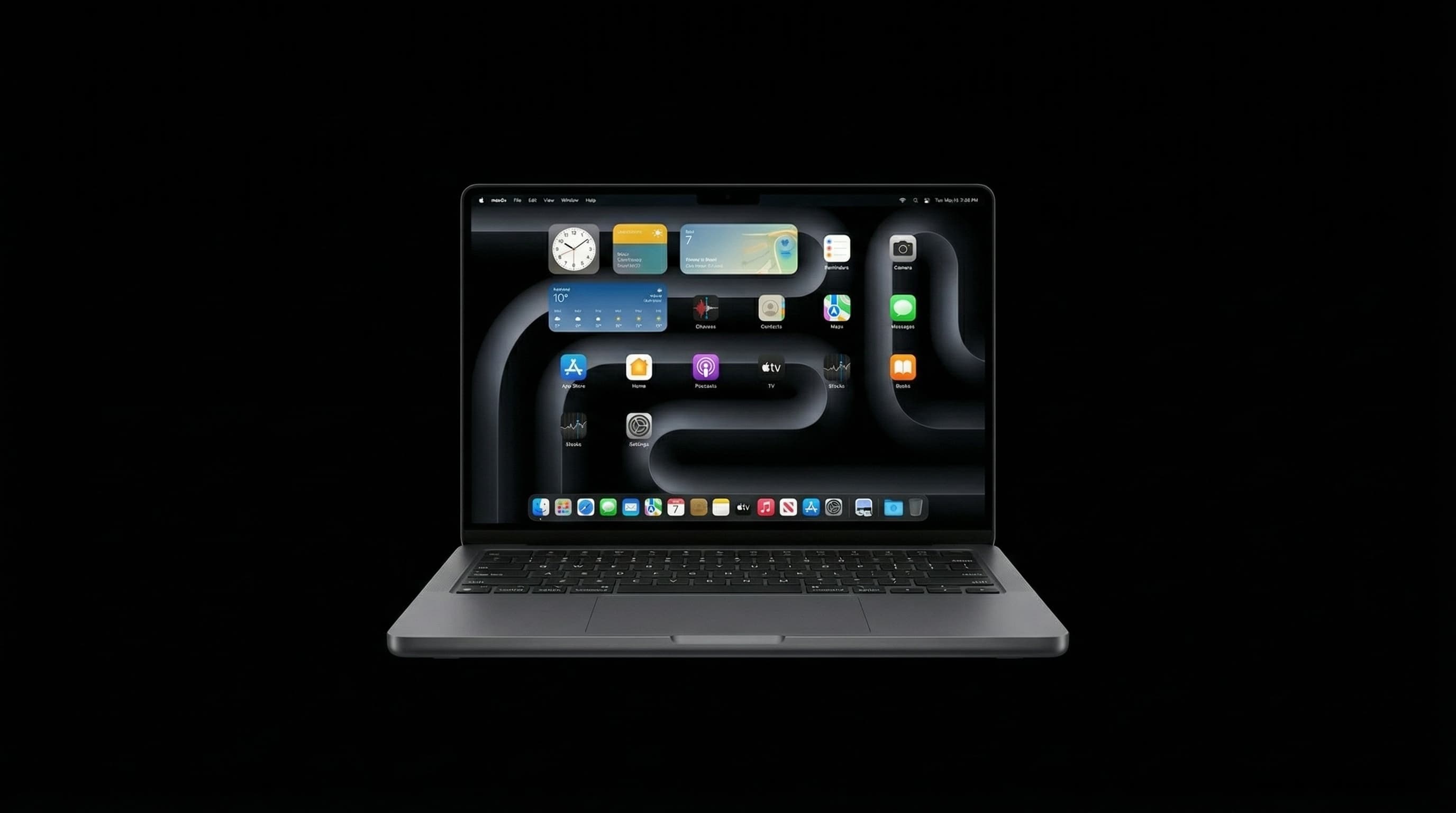
A flickering MacBook screen is unsettling — and rightly so. It can mean anything from a minor software setting to a failing display cable or logic board issue. The key is to diagnose the cause correctly, because the fix varies dramatically. This guide helps you do exactly that. Need a professional opinion? Call +91 77000 44192 or WhatsApp for a free diagnosis.
🔍 Common Causes of MacBook Screen Flickering
- Software / GPU bug — especially after a macOS update
- Automatic graphics switching glitch — MacBooks with dual GPUs switching incorrectly
- Incompatible external display or cable — triggers GPU driver issues
- Flexgate — display cable failure in MacBook Pro 13" (2016–2019)
- Loose display cable — caused by repeated opening/closing or a drop
- Failing display (LCD layer) — dead pixels, backlight failure beginning
- Logic board GPU fault — the most serious cause
🖥️ Is It Software or Hardware? How to Tell
Before assuming hardware failure, check these signs that point to a software cause:
- Software signs: flickering started right after a macOS update, flickering only happens in specific apps (Chrome, video players), connecting to an external display fixes it, flickering disappears after restart
- Hardware signs: flickering present at the login screen or even before macOS loads (BIOS/boot screen), flickering gets worse when you open/close the lid, vertical lines or colour distortion present, flickering depends on viewing angle or screen position
🛠️ Software Fixes to Try First
- 1Update macOS: Apple menu → System Settings → Software Update
- 2Disable Automatic Graphics Switching: System Settings → Battery → uncheck 'Automatic graphics switching' (Intel MacBook Pros with dual GPU only)
- 3Reset NVRAM: Shutdown → Power on → immediately hold Cmd + Option + P + R for 20 seconds
- 4Delete GPU preference file: Open Terminal → type 'sudo rm /Library/Preferences/com.apple.windowserver.plist' → restart
- 5Boot into Safe Mode (hold Shift at startup) — if flickering is gone in Safe Mode, a third-party app is the cause
⚠️ What is Flexgate? (MacBook Pro 2016–2019)
Flexgate is a design defect affecting MacBook Pro 13" models from 2016–2019. The display cable (flex cable) connecting the screen to the logic board is too short, and repeated opening and closing of the lid gradually tears the cable. Symptoms are very specific:
- A horizontal line of light appears at the bottom of the screen (stage light effect)
- Screen works fine when opened 40–90 degrees but flickers or goes black beyond that
- Display fails completely when the lid is fully opened
- Progressively worsens over time
Apple acknowledged Flexgate and set up a free repair program for eligible MacBook Pro 13" (2016) models. Check coverage at apple.com/support/macbookpro-staingate. If your model isn't covered, Mac Repair Center can replace the display cable.
🔧 When Flickering Means Logic Board Trouble
- Flickering appears even on an external display connected via HDMI/USB-C
- Colours are distorted — pink, green tint, or washed-out tones
- Flickering is present at the boot screen before macOS loads
- Multiple symptoms together: flickering + freezing + random shutdowns
If the flickering appears on an external display too, the display cable and screen are not the issue — the GPU on the logic board is failing. This requires chip-level logic board repair. Do not delay — an untreated GPU fault can cause total board failure.
💰 MacBook Screen Flickering Repair Cost in Mumbai
- Display cable replacement (Flexgate) — ₹3,500 – ₹7,000
- Full display replacement (LCD failure) — ₹12,000 – ₹45,000 depending on model
- Logic board GPU repair (chip-level) — ₹8,000 – ₹25,000
- Software fix / diagnosis only — Free at Mac Repair Center
❓ Frequently Asked Questions
Flickering only on battery often points to the automatic graphics switching feature glitching when power management changes GPU states. Try disabling automatic graphics switching first.
It depends on the cause. A software glitch won't cause damage. But a hardware fault like Flexgate or a failing GPU will worsen over time and eventually cause complete display failure.
For work that doesn't depend on screen accuracy, yes. But don't delay investigation — hardware causes worsen progressively and become more expensive to fix.
Free Screen Diagnosis at Mac Repair Center Mumbai
Bring your MacBook in for a free screen check. We'll identify whether it's software, Flexgate, display cable, or logic board — and give you an honest repair estimate. Call +91 77000 44192 or WhatsApp. Same-day service, 90-day warranty, free pickup & drop.
Free pickup available across all Mumbai areas · Mon–Sat 10am–8pm
10+ years of chip-level Apple repair experience in Mumbai. Specialises in MacBook logic board micro-soldering, data recovery, and complex Apple hardware faults. Every repair backed by a 90-day warranty.
Related Services & Repairs
Related service:
MacBook Repair Services — View Full Service Details →More from the Blog
MacBook Not Charging? 6 Fixes to Try Right Now (Mumbai Guide)
MacBook not charging is rarely a dead charger — and almost never means a new MacBook. These 6 fixes solve 80% of cases. Try them before spending money.
MacBook Charging Port or MagSafe Port Not Working? Diagnosis & Repair Cost Guide
Your MacBook isn't charging — but is it the cable, the adapter, or the port itself? Here's a step-by-step way to isolate the real fault before you spend money on the wrong fix, plus what port repair actually costs in Mumbai.
MacBook Liquid Damage Repair Mumbai — Not Turning On? Fix It for 90% Less Than Apple
MacBook stopped working after a spill in Mumbai? Component-level logic board diagnosis — PPBUS_G3H shorts, charging IC failure, SMC corrosion — resolved same day with data preserved. Call 7700044192.
Apple Device Problem?
Get It Fixed Today — Free Diagnosis.
Mumbai's chip-level Apple repair specialists. Same-day repair · 90-day warranty · 100% data privacy. Don't settle for a slow fix or a replacement you don't need.
Open Mon–Sat · 10:00 AM – 8:00 PM · Mumbai