
MacBook Not Charging? 6 Fixes to Try Right Now (Mumbai Guide)

By Shrey Sharma, Founder & Lead Technician · July 2025
MacBook not charging is rarely a dead charger — and almost never means a new MacBook. These 6 fixes solve 80% of cases. Try them before spending money.
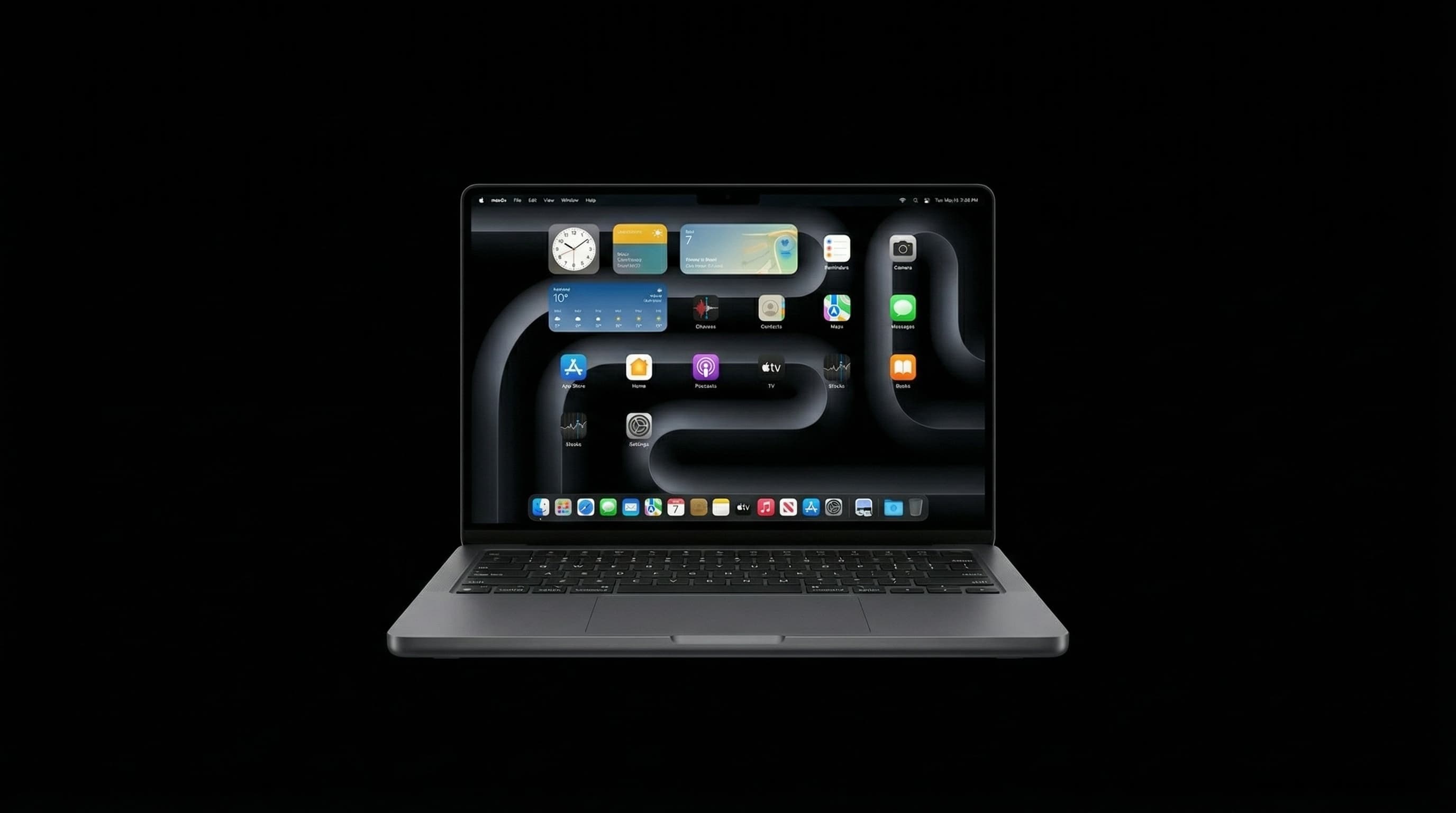
MacBook not charging is one of the most common calls we get at Mac Repair Center Mumbai. The good news: most cases are NOT hardware failures. Work through these 6 fixes before assuming you need a repair.
Fix 1: Check the Cable and Adapter
USB-C cables fail — especially the ones that come bundled with cheaper chargers. Test with a known-good cable. Try a different USB-C adapter if you have one. Check for bent pins or damage inside the USB-C connector. On older MacBooks with MagSafe: check the MagSafe port for debris and verify the LED is lighting up.
Fix 2: Try All USB-C Ports
Modern MacBooks charge via any USB-C port. If your left-side port doesn't charge, try the right side. If one side charges and the other doesn't, you have a port fault — bring it in for repair.
Fix 3: Reset the SMC (System Management Controller)
The SMC controls all power management on Intel MacBooks. A corrupted SMC state can cause the MacBook to refuse to charge even with a working charger and port. For Intel MacBooks (non-M1/M2/M3): • Shut down completely • Hold Shift + Control + Option + Power for 10 seconds • Release all, then press Power normally For M1/M2/M3 MacBooks: simply shut down and wait 30 seconds. M-series Macs reset SMC automatically.
Fix 4: Reset NVRAM / PRAM
NVRAM stores power settings that can occasionally become corrupted. On Intel MacBooks: restart and immediately hold Command + Option + P + R for 20 seconds. On M-series MacBooks: NVRAM resets automatically on restart — no key combo needed.
Fix 5: Clean the USB-C Charging Port
Mumbai's dust and humidity cause debris to accumulate in USB-C ports. Use a wooden toothpick (never metal) to carefully remove compacted lint from the port. Blow compressed air into the port. Even a thin layer of debris on the charging pins can prevent a secure connection.
Fix 6: Check macOS Battery Settings
macOS has an Optimized Battery Charging feature that intentionally pauses charging at 80% to preserve long-term battery health. If your MacBook appears stuck at 80%, go to System Settings > Battery > turn off Optimised Battery Charging temporarily to confirm this is the cause.
When Hardware Repair Is Needed
- All 6 fixes tried — MacBook still won't charge
- Charging port visibly damaged, bent, or corroded
- MacBook charges only at certain angles (broken port pin)
- USB-C port hot to touch during charging attempt
- Water damage — do NOT keep trying to charge
🚨 MacBook Not Charging — Free Diagnosis in Mumbai
If none of the above fixes work, bring your MacBook to Mac Repair Center. We diagnose charging faults free of charge — whether it's the port, the cable, the charging IC, or the logic board. 📞 Call: +91 77000 44192 💬 WhatsApp: +91 77000 44192 📍 Raghuleela Mall, Kandivali West — Open Mon–Sat 10am–8pm
Free pickup available across all Mumbai areas · Mon–Sat 10am–8pm
10+ years of chip-level Apple repair experience in Mumbai. Specialises in MacBook logic board micro-soldering, data recovery, and complex Apple hardware faults. Every repair backed by a 90-day warranty.
Related Services & Repairs
More from the Blog
MacBook Won't Turn On? Try These 7 Fixes Before Visiting a Repair Shop
A dead MacBook is scary — but up to 40% of 'no power' cases we see have free fixes you can do at home in minutes. Here's our expert troubleshooting checklist.
MacBook Trackpad Not Clicking or Not Working? Causes, Fixes & Mumbai Repair Cost
A trackpad that won't click, registers phantom touches, or has gone completely dead is rarely a software problem on modern MacBooks. Here's how to tell what's actually wrong — and what it costs to fix in Mumbai.
iPhone Not Charging? 7 Fixes to Try Before Visiting a Repair Shop
iPhone not charging is often a software glitch or a dirty port — not a hardware failure. Try these 7 fixes before spending money on repairs.
Apple Device Problem?
Get It Fixed Today — Free Diagnosis.
Mumbai's chip-level Apple repair specialists. Same-day repair · 90-day warranty · 100% data privacy. Don't settle for a slow fix or a replacement you don't need.
Open Mon–Sat · 10:00 AM – 8:00 PM · Mumbai