
Buying a Used iPhone or MacBook in the Diwali Sale? Avoid These 7 Traps

By Shrey Sharma, Founder & Lead Technician · March 2026
Festive season second-hand listings spike with 'barely used' iPhones and MacBooks — some genuine, many not. Here's how to tell the difference, what to check before paying, and the red flags that mean walk away.
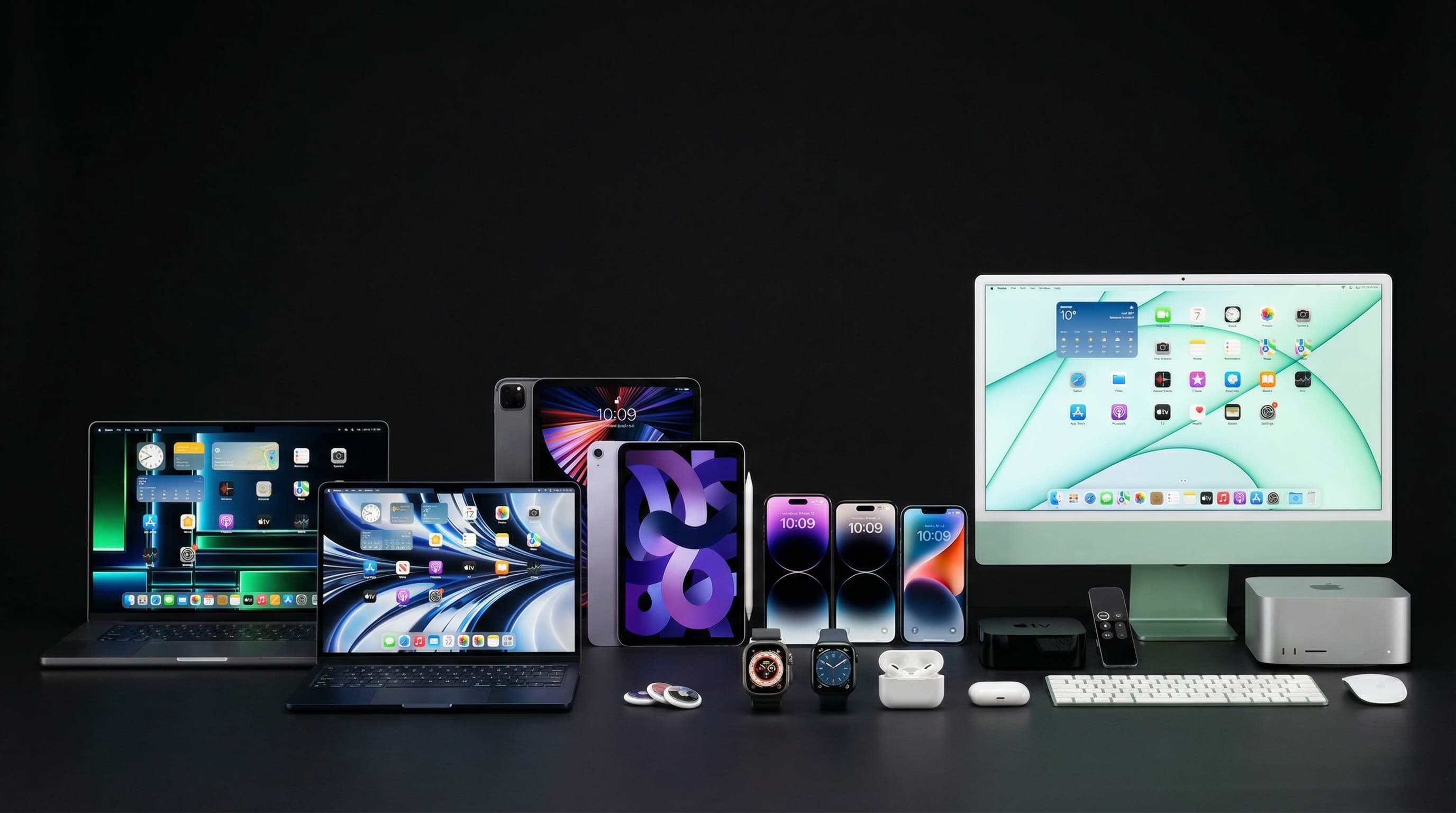
Every Diwali, Mumbai's OLX, Facebook Marketplace, and even WhatsApp groups fill with second-hand iPhones and MacBooks. Many are genuinely good deals — people upgrading their devices and selling well-maintained older ones. But festive season is also when grey-market units, stolen devices, and cosmetically 'restored' damaged devices flood the market, priced just below the point where buyers become suspicious. As people who repair Apple devices for a living, we know exactly what to look for. Here are the 7 traps.
Trap 1: Activation Lock (iCloud Lock) on iPhones
An iPhone that's Activation Locked is tied to the previous owner's Apple ID. It cannot be used, erased, or set up without their Apple ID credentials. Always test this before paying: try to erase the device in Settings → General → Transfer or Reset iPhone. If it asks for the previous owner's Apple ID password, the lock is not removed. A seller who claims to be 'getting the password' or 'will send it later' is selling a locked device. Walk away.
Trap 2: IMEI Blocked or Reported Stolen
Check the iPhone's IMEI before purchasing: dial *#06# on the device to get the IMEI, then verify it on Apple's coverage check page (checkcoverage.apple.com). If the device shows no coverage or gives an error, the IMEI may be blacklisted. You can also check on CEIR India's portal (ceir.gov.in) — India's national registry of blocked IMEI numbers.
Trap 3: Swapped or Replaced Components Without Disclosure
Apple's Settings → General → About page shows the service history of key components. Check: Display, Battery, and Camera. If any component shows 'Unknown Part' or 'Unable to Verify', it has been replaced with a non-genuine Apple part — potentially reducing performance or disabling features like True Tone. On iPhone 15 and newer, you can see the exact number of cycles on each replaced battery. A 'new' iPhone with 200 battery cycles and a replaced display is not the device being described.
Trap 4: Battery Health Hidden by Recent Charge
A battery at 70% health will show 'Maximum Capacity: 70%' in Settings → Battery → Battery Health. But a seller who has the device plugged in during the viewing, or who has just charged it fully, can temporarily hide symptoms of poor battery health. Check battery health immediately, in the Settings app, and note the cycle count if visible. Anything below 85% on a device being sold at 'barely used' prices is a misrepresentation.
Trap 5: Cosmetically Restored Water Damage
Water-damaged iPhones and MacBooks are sometimes cosmetically cleaned and resold without disclosure. The external signs can be removed; the internal corrosion cannot. On iPhones: look inside the SIM tray slot for the Liquid Contact Indicator — it turns red/pink when exposed to water. It's a small dot visible with a flashlight. On MacBooks: open System Information → Power and look at the condition — 'Normal' is fine; 'Poor' suggests deep discharge history that sometimes accompanies liquid damage.
Trap 6: Grey-Market Units Without Indian Warranty
An iPhone or MacBook that was purchased abroad and brought to India ('grey import') has no Apple India warranty. It will show a different country in the model number. For iPhones, check the model number under Settings → General → About — Indian models end in HN/A. For MacBooks, check the serial number at checkcoverage.apple.com — if it shows 'This product is not eligible for support from Apple' or a foreign region, it's a grey-market unit.
Trap 7: The 'Slight Damage' Understatement
A listing that mentions 'minor scratch on corner' or 'slight mark on screen' deserves close physical inspection. In our experience, these phrases often accompany: cracks in the chassis that affect structural integrity, backlight cable damage (Flexgate symptoms), deep scuffs over the keyboard area that suggest keyboard damage, or dents near ports that may indicate USB-C or MagSafe port damage. Inspect with a flashlight before purchasing, not after.
Mac Repair Center offers pre-purchase inspections for iPhones and MacBooks. Bring the device before paying and we'll do a full hardware check — battery health, liquid contact indicators, component authenticity, and port condition. Free diagnosis. This 20-minute check has saved many Mumbai buyers from expensive mistakes.
Pre-Purchase Inspection — Free at Our Kandivali Workshop
Thinking of buying a second-hand iPhone or MacBook during the festive sale? Bring it to us before paying. We'll inspect battery, screen, ports, and component authenticity — free. Walk in to F-103, Raghuleela Mega Mall, Kandivali West, or call +91 77000 44192.
Free pickup available across all Mumbai areas · Mon–Sat 10am–8pm
10+ years of chip-level Apple repair experience in Mumbai. Specialises in MacBook logic board micro-soldering, data recovery, and complex Apple hardware faults. Every repair backed by a 90-day warranty.
Related Services & Repairs
Related service:
MacBook Repair Mumbai — View Full Service Details →More from the Blog
Dhanteras 2026: Should You Buy an iPhone, MacBook, or Apple Watch This Year?
Dhanteras is traditionally the best day to buy electronics in India. But which Apple product is worth buying in October 2026 — and which should you wait on? A practical guide for Mumbai buyers.
Diwali iPhone Deals 2026: What's Actually Worth Buying (A Repair Specialist's Take)
Every Diwali, Mumbai's Apple resellers and e-commerce platforms run iPhone sales that look better than they are. Here's what the deals actually mean — and which iPhone is the right buy in October 2026.
How to Check a Used MacBook for Liquid Damage Before You Buy It
A MacBook that 'works perfectly' today can fail completely in 3 months if it has hidden liquid damage. Here's exactly where to look — including the one indicator sellers can't fake.
Apple Device Problem?
Get It Fixed Today — Free Diagnosis.
Mumbai's chip-level Apple repair specialists. Same-day repair · 90-day warranty · 100% data privacy. Don't settle for a slow fix or a replacement you don't need.
Open Mon–Sat · 10:00 AM – 8:00 PM · Mumbai