
How to Backup Your MacBook Before Sending It for Repair — 3 Safe Methods

By Shrey Sharma, Founder & Lead Technician · Updated April 2026
Sending your MacBook for repair? Back up your data first — here are 3 methods from Time Machine to iCloud, with step-by-step instructions for 2026.
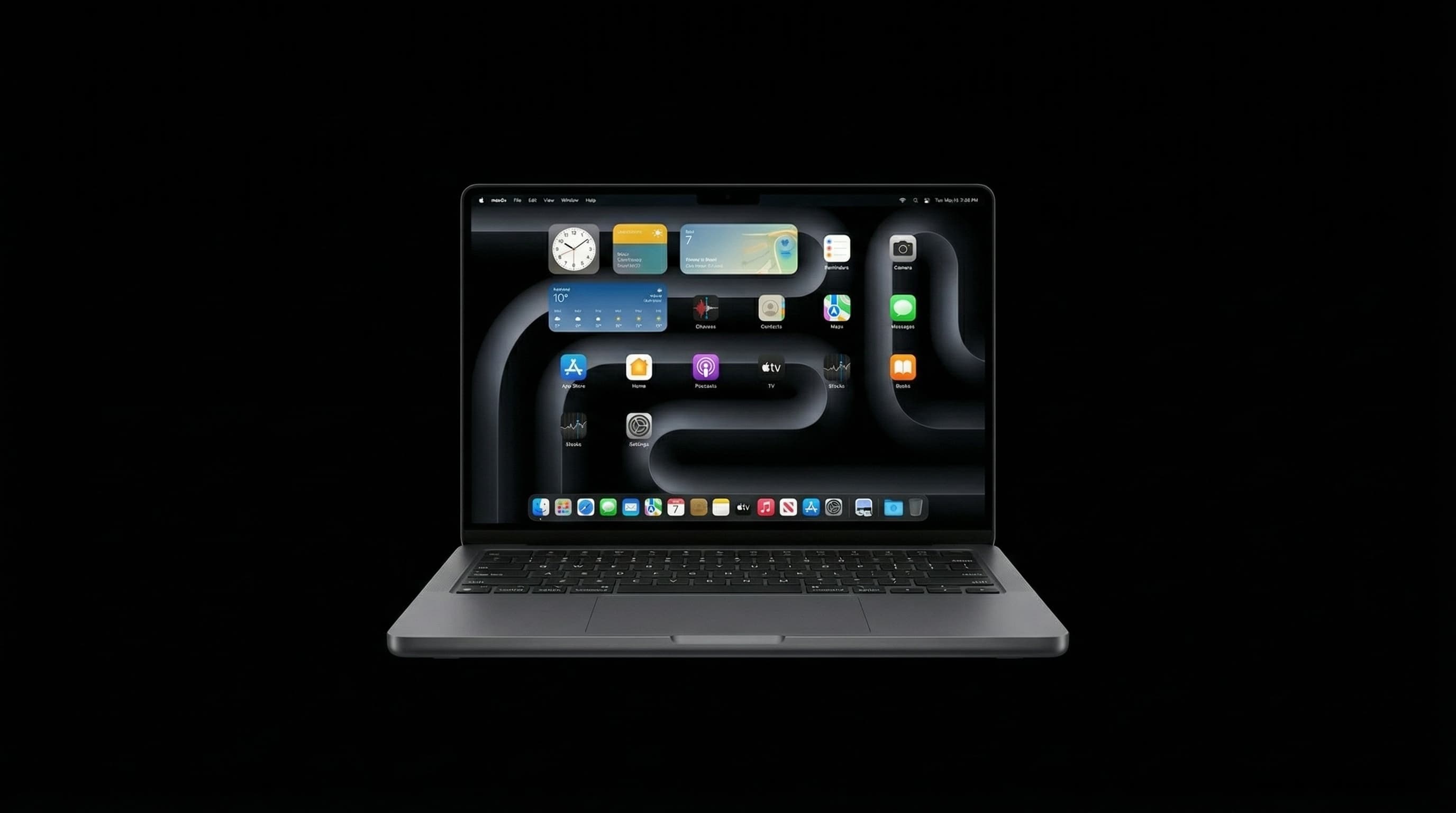
Before handing your MacBook to any repair shop, back up your data. Even for a simple screen replacement, unforeseen events can happen — a power surge during testing, an accidental wipe during troubleshooting. This guide covers the three safest backup methods before a MacBook repair.
Method 1: Time Machine (Recommended)
- 1Connect an external hard drive or SSD (minimum 2× your MacBook storage size)
- 2Open System Settings > General > Time Machine
- 3Click 'Add Backup Disk' and select your external drive
- 4Wait for the backup to complete — first backup can take 1–3 hours depending on data size
- 5Verify: click the Time Machine icon in your menu bar and confirm it shows 'Latest Backup: Today'
Method 2: iCloud Drive Sync
If your most critical files are Documents and Desktop, enabling iCloud Drive syncing ensures these are backed up to Apple's servers automatically. Go to System Settings > Apple ID > iCloud > iCloud Drive > Enable Desktop & Documents Folders. Note: this requires sufficient iCloud storage (200GB or 2TB plan recommended for most users).
Method 3: Manual Copy to External Drive
- 1Identify your critical folders: Desktop, Documents, Downloads, Photos library, project folders
- 2Connect an external drive or use a large USB stick for smaller datasets
- 3Drag your important folders directly to the external drive in Finder
- 4Verify the copy completed by checking file sizes match
- 5Also export browser bookmarks and back up your Keychain passwords via System Settings > Passwords
We have a strict 100% data privacy policy. We never access customer data during repairs. Our technicians work only on the hardware — the software and files are yours. However, certain repairs (logic board replacement, SSD swap) may require macOS reinstallation, making a backup essential regardless of which shop you use.
If your MacBook won't turn on at all, do NOT attempt to force a backup by opening it yourself — you risk permanently damaging the SSD. Bring it to a specialist who can safely extract data before or during repair.
Bring Your MacBook In — Your Data Stays Safe With Us
Free diagnosis, 100% data privacy policy, 90-day warranty. Free pickup across Mumbai.
Free pickup available across all Mumbai areas · Mon–Sat 10am–8pm
10+ years of chip-level Apple repair experience in Mumbai. Specialises in MacBook logic board micro-soldering, data recovery, and complex Apple hardware faults. Every repair backed by a 90-day warranty.
Related Services & Repairs
Related service:
MacBook Repair Mumbai — View Full Service Details →More from the Blog
How to Set Up Time Machine Backup on Your MacBook (Complete Beginner's Guide)
Time Machine is Apple's free, automatic backup system — and most Mac owners have never turned it on. Here's how to set it up properly in under 10 minutes, plus which drives to buy.
Mumbai Monsoon MacBook Protection Guide 2026: Before the Rain Hits
June is here. Here's the complete checklist Mumbai's MacBook users should run before monsoon season peaks — backup strategy, bag setup, insurance options, and the one repair you should get done before July.
How to Update macOS Safely Without Losing Your Data (Pre-Update Checklist Included)
A failed or interrupted macOS update is one of the few things that can turn a working MacBook into a paperweight overnight. Here's the safe sequence — and what to check before you click 'Update Now.'
Apple Device Problem?
Get It Fixed Today — Free Diagnosis.
Mumbai's chip-level Apple repair specialists. Same-day repair · 90-day warranty · 100% data privacy. Don't settle for a slow fix or a replacement you don't need.
Open Mon–Sat · 10:00 AM – 8:00 PM · Mumbai