
How to Check if a Used iPhone is iCloud Locked (Before You Buy)

By Shrey Sharma, Founder & Lead Technician · April 2026
An iCloud-locked iPhone is an expensive paperweight — it can't be activated, updated, or even reset. Here's exactly how to check before you hand over your money, in under 2 minutes.
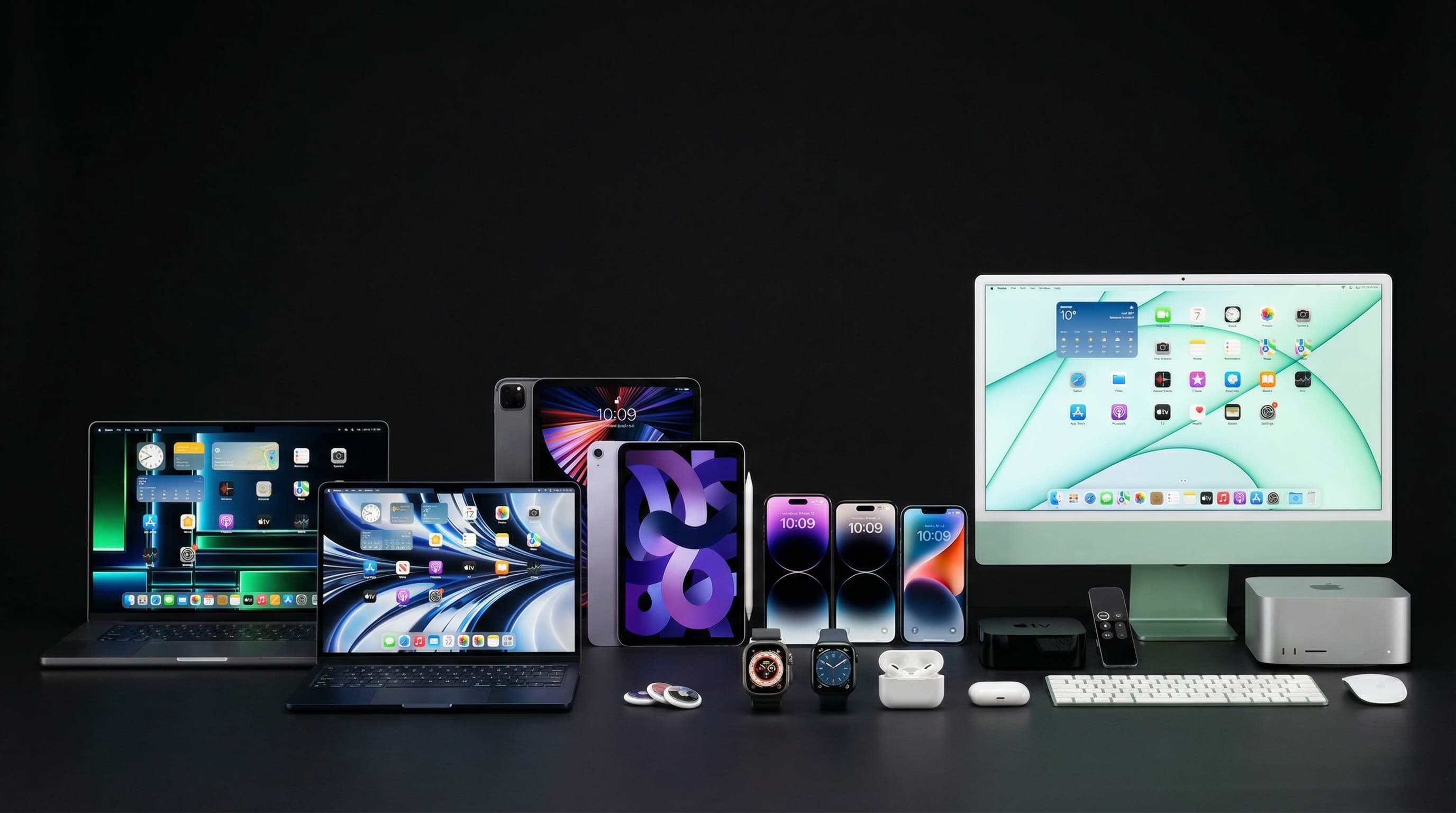
Mumbai's second-hand iPhone market — OLX, Facebook Marketplace, Instagram resellers, and local exchange counters — is enormous. But one scam costs buyers more than any other: the iCloud-locked (Activation Locked) iPhone. It looks perfect, powers on, even shows a working screen — until you try to set it up and it asks for someone else's Apple ID and password. At that point, it's a ₹40,000 paperweight. Here's exactly how to catch this before you pay a single rupee.
What Is an iCloud Lock (Activation Lock), Exactly?
Every iPhone has a security feature called Find My iPhone, which links the device to the original owner's Apple ID. If the owner doesn't sign out of their Apple ID and disable Find My before selling, Activation Lock kicks in the moment the phone is erased or restarted. The new buyer is stuck on a screen demanding the previous owner's Apple ID and password — which they will obviously never get. Apple designed this specifically to make stolen iPhones useless, but it just as easily traps unsuspecting buyers.
5 Ways to Check Before You Pay — Do This in Front of the Seller
- 1Settings > [Seller's Name] > Sign Out — Ask the seller to open Settings, tap their name at the top, scroll down, and tap 'Sign Out.' If they hesitate, refuse, or claim they 'forgot the password,' walk away — that's the single biggest red flag
- 2Settings > General > Transfer or Reset iPhone > Erase All Content and Settings — Ask them to erase the phone in front of you. A clean phone restarts to the 'Hello' setup screen with no Apple ID prompt. A locked phone shows 'Activation Lock' immediately
- 3Check Find My status — go to Settings > [Name] > Find My > Find My iPhone. If this toggle is ON and the seller can't turn it off, the phone will lock the moment it's reset or restored
- 4Verify the IMEI — dial *#06# to get the IMEI number, then check it against the seller's bill or box. A mismatched IMEI is itself a red flag for a swapped or stolen unit
- 5Use a third-party iCloud lock checker before meeting — search 'IMEI iCloud lock check' services that can confirm activation lock status remotely if the seller shares the IMEI in advance, filtering out locked phones before you even travel to see one
| Check | Unlocked iPhone (Safe) | iCloud Locked (Avoid) |
|---|---|---|
| Sign out of Apple ID | Signs out instantly, asks for password only if 2FA is on (seller knows it) | Seller refuses, stalls, or 'can't remember' the password |
| After erase & restart | Shows 'Hello' setup screen, sets up like a new phone | Shows 'Activation Lock' screen demanding the previous owner's Apple ID |
| Find My iPhone toggle | OFF, or seller turns it off without hesitation | ON, and seller can't or won't turn it off |
| Seller's manner | Has original bill and box, demos everything openly | Rushes the meeting, avoids demonstrations, meets in unusual locations |
Never pay before the phone has been erased and restarted in front of you, showing the clean 'Hello' setup screen. A phone that 'works fine' while logged into the seller's account can still lock permanently the moment you try to set it up under your own Apple ID. This is the #1 trap — the phone genuinely works for the seller's demo, then locks the second you take it home.
This is the most common excuse for a locked phone — and it's almost always a way to avoid the sign-out step. A genuine owner can recover their Apple ID via iforgot.apple.com using their registered email or phone number in a few minutes. If they're unwilling to even try this while you wait, treat the phone as locked and walk away.
Already Bought a Locked iPhone? Here's What You Can Do
- Contact the seller immediately and ask them to remotely sign out via icloud.com/find — this is the fastest legitimate fix and works if they're cooperative
- If purchased via OLX/Facebook Marketplace, report the listing and the seller — most platforms have buyer protection for exactly this scenario
- File a complaint at your local police station with the IMEI number, seller's contact details, and payment proof — iCloud-locked phones are frequently linked to theft cases
- Do NOT pay anyone offering to 'unlock' it for a fee — third-party iCloud unlock services are scams or use illegal methods that can get the IMEI permanently blacklisted
- Bring it to a trusted technician for a free diagnostic — in rare genuine-owner-issue cases, legitimate recovery paths exist through Apple support with proof of purchase
Bought a Locked iPhone or Need a Pre-Purchase Check?
Bring it in for a free diagnostic before you buy or after you've been caught out — we'll tell you honestly whether there's a legitimate path forward. Free pickup across Mumbai.
Free pickup available across all Mumbai areas · Mon–Sat 10am–8pm
10+ years of chip-level Apple repair experience in Mumbai. Specialises in MacBook logic board micro-soldering, data recovery, and complex Apple hardware faults. Every repair backed by a 90-day warranty.
Related Services & Repairs
Related service:
iPhone Repair Mumbai — View Full Service Details →More from the Blog
Buying a Used iPhone or MacBook in the Diwali Sale? Avoid These 7 Traps
Festive season second-hand listings spike with 'barely used' iPhones and MacBooks — some genuine, many not. Here's how to tell the difference, what to check before paying, and the red flags that mean walk away.
Diwali iPhone Deals 2026: What's Actually Worth Buying (A Repair Specialist's Take)
Every Diwali, Mumbai's Apple resellers and e-commerce platforms run iPhone sales that look better than they are. Here's what the deals actually mean — and which iPhone is the right buy in October 2026.
How to Check a Used MacBook for Liquid Damage Before You Buy It
A MacBook that 'works perfectly' today can fail completely in 3 months if it has hidden liquid damage. Here's exactly where to look — including the one indicator sellers can't fake.
Apple Device Problem?
Get It Fixed Today — Free Diagnosis.
Mumbai's chip-level Apple repair specialists. Same-day repair · 90-day warranty · 100% data privacy. Don't settle for a slow fix or a replacement you don't need.
Open Mon–Sat · 10:00 AM – 8:00 PM · Mumbai