
How to Disable iMessage Before Switching from iPhone to Android (So You Don't Lose Texts)

By Shrey Sharma, Founder & Lead Technician · May 2026
Skip this step, and friends with iPhones will keep texting a number that goes nowhere — for months. Here's how to deregister iMessage properly, even if you no longer have your old iPhone.
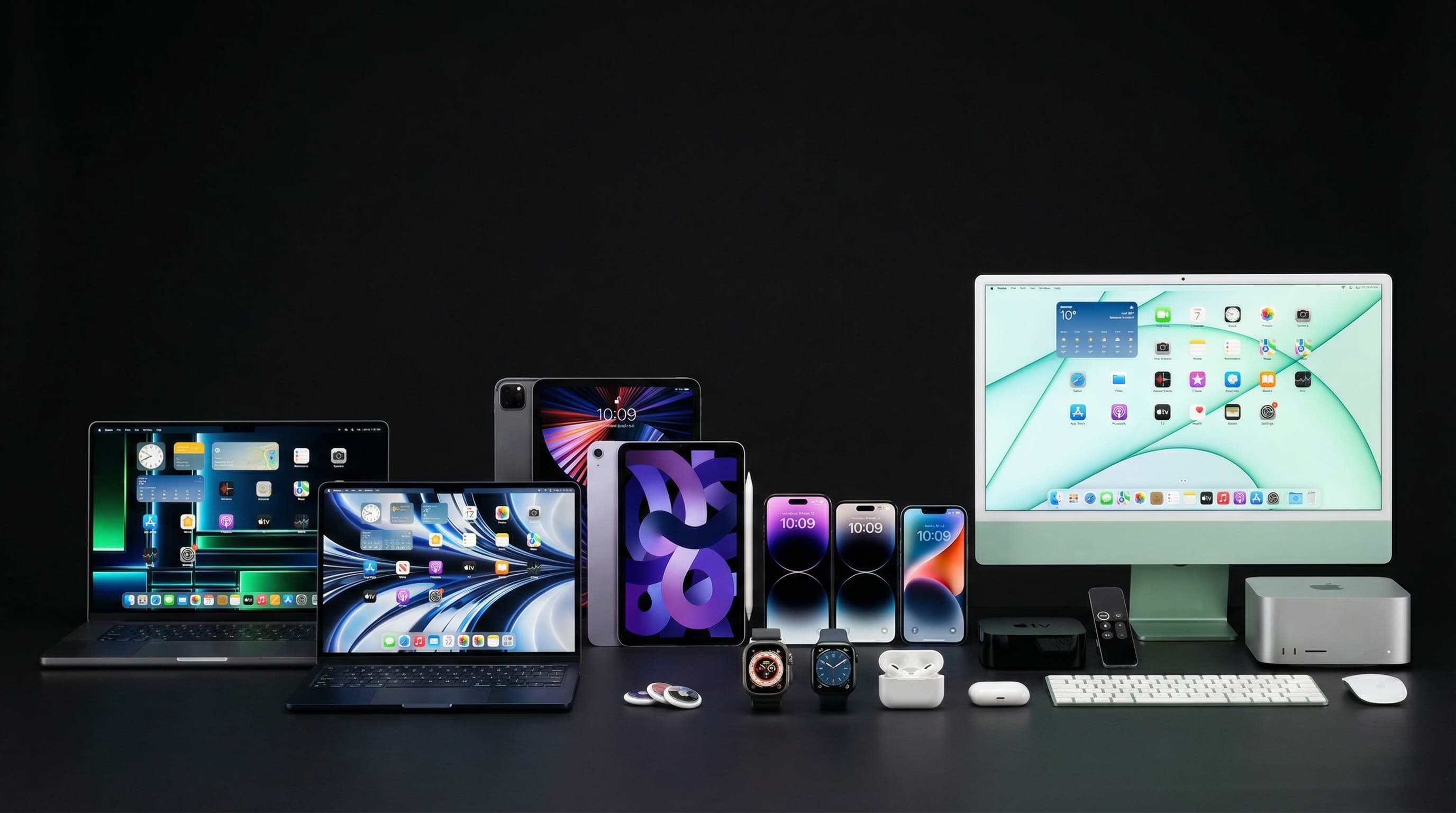
This is the single most common complaint we hear from people who've switched from iPhone to Android: 'Why aren't my friends' texts reaching me?' The answer is almost always the same — iMessage is still registered to your old number, and Apple's servers keep routing messages there instead of as regular SMS to your new Android phone. Here's how to fix it, in three different scenarios.
Scenario 1: You Still Have Your iPhone
- 1Insert your SIM card into the iPhone one last time — deregistering needs an active connection to your number
- 2Go to Settings > Messages and toggle iMessage OFF
- 3Go to Settings > FaceTime and toggle FaceTime OFF as well
- 4Wait at least a few minutes with both toggled off and the SIM active before removing the SIM card
- 5Now switch your SIM to your new Android phone — messages should arrive as normal SMS
Scenario 2: You No Longer Have the iPhone (Sold, Lost, or Broken)
- 1Go to Apple's deregistration page at register.apple.com from any browser
- 2Enter your phone number in international format (e.g., +91XXXXXXXXXX)
- 3Apple sends a confirmation code to that number via SMS — enter it on the page
- 4Submit, and wait 24-48 hours for Apple's servers to fully deregister the number from iMessage
- 5Test by asking a friend with an iPhone to send you a text — it should now appear as a green-bubble SMS, not blue iMessage
Scenario 3: The Number Won't Deregister (Common Edge Cases)
| Situation | Why It Happens | What to Do |
|---|---|---|
| Confirmation code never arrives | Apple's verification SMS is being delayed or routed incorrectly by your carrier | Wait 30 minutes, then retry. If it persists, contact Apple Support directly with proof of ownership |
| Messages still show as iMessage after 48 hours | Apple's deregistration can occasionally take longer to propagate across all servers | Wait an additional 24 hours. If still unresolved, contact Apple Support via 'Get Support' on apple.com |
| You changed your number after switching | iMessage may still be linked to your OLD number on Apple's servers from a previous device | Use register.apple.com with the OLD number too, to fully clear all associations |
Deregistering is dramatically easier and faster while you still physically have the iPhone with your SIM in it. If you wait until after the sale, you're dependent on the online tool working perfectly on the first try — and Apple's support process for edge cases can take days. Five minutes now saves you a week of missed messages later.
If you're also switching to a new SIM/number, do the deregistration BEFORE activating the new number on your Android phone. iMessage associates with both your phone number and Apple ID — clearing it in the wrong order can leave both your old and new numbers in a confused state on Apple's servers.
Switching Phones or Need Help With Your Apple Devices?
Whether you're trading in, selling, or just need help getting your old iPhone ready for its next owner, we're here. Free diagnostics, honest advice, no pressure to buy anything.
Free pickup available across all Mumbai areas · Mon–Sat 10am–8pm
10+ years of chip-level Apple repair experience in Mumbai. Specialises in MacBook logic board micro-soldering, data recovery, and complex Apple hardware faults. Every repair backed by a 90-day warranty.
Related Services & Repairs
Related service:
iPhone Repair Mumbai — View Full Service Details →More from the Blog
How to Check if Your iPhone or MacBook Has Genuine Parts (Repair History Check)
Buying second-hand or just got something replaced? Apple's devices can now tell you, in plain language, whether a part is genuine — here's exactly where to look on iPhone and Mac.
How to Remove Your Apple ID from an iPhone Before Selling It (Without Losing Your Data)
Forgetting to remove your Apple ID is the #1 reason sellers get angry messages from buyers a week later. Here's the correct order of steps — so your data stays safe and the new owner can actually use the phone.
How to Tell if Your iPhone Display Is Original or Duplicate (Before and After a Repair)
Not all replacement displays are equal — and the difference shows up in colour accuracy, touch response, and True Tone. Here's how to check whether your iPhone has an original or duplicate display, in under 5 minutes.
Apple Device Problem?
Get It Fixed Today — Free Diagnosis.
Mumbai's chip-level Apple repair specialists. Same-day repair · 90-day warranty · 100% data privacy. Don't settle for a slow fix or a replacement you don't need.
Open Mon–Sat · 10:00 AM – 8:00 PM · Mumbai