
🔋 MacBook Battery Draining Fast: Causes and Solutions

By Shrey Sharma, Founder & Lead Technician · Updated April 2026
Is your MacBook going from 100% to dead in just a few hours? Battery drain is one of the most common MacBook complaints — and in most cases, the fix is simpler than you think. Here's what's actually causing it and how to fix it.
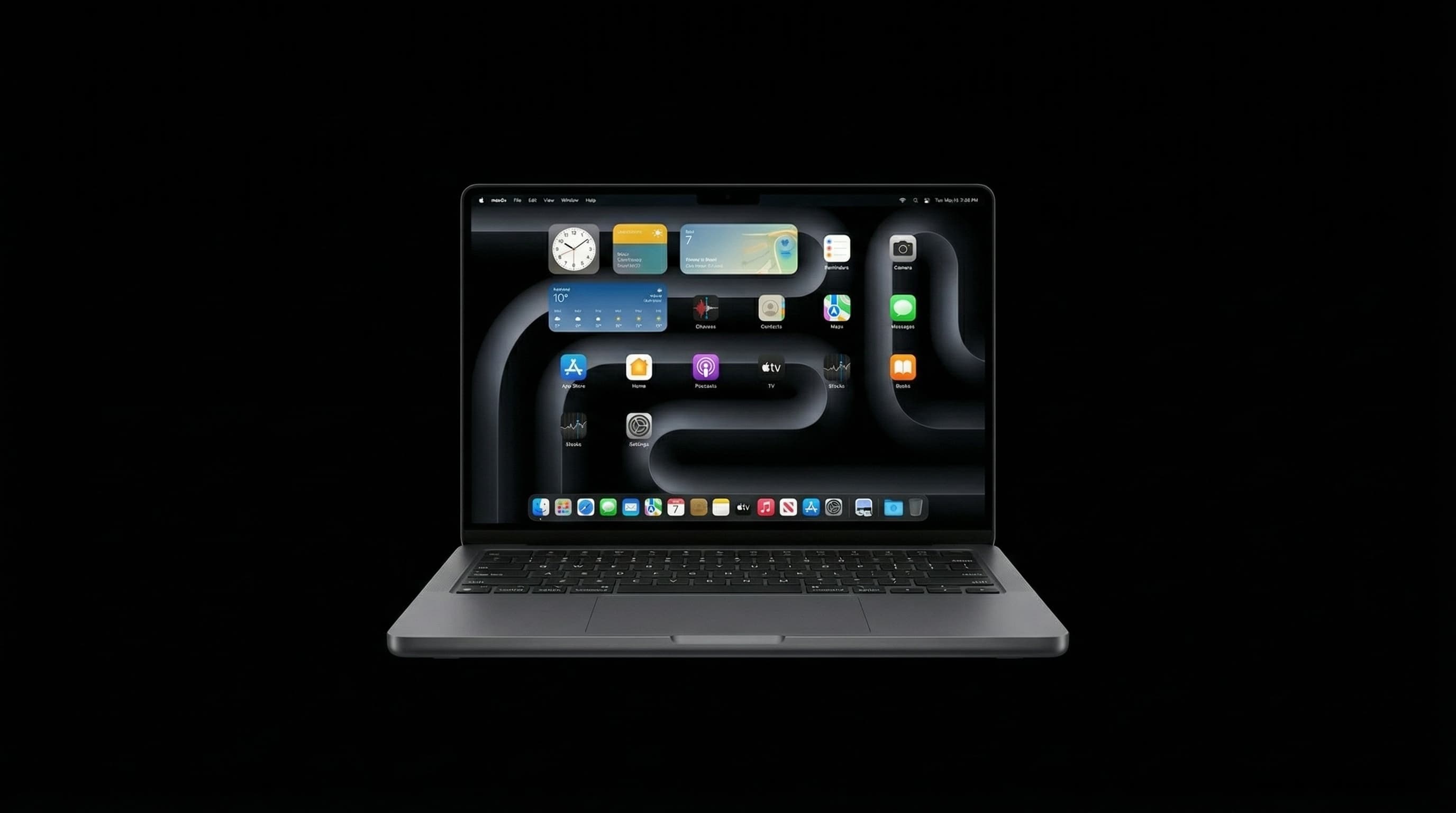
A MacBook that used to last all day but now dies in 2–3 hours is frustrating — especially when you're working on the go. The good news: fast battery drain is rarely a sign of a serious hardware failure. In most cases, it's fixable with a few tweaks. This guide covers every cause of fast MacBook battery drain and the right solution for each one. Need a professional check? Call +91 77000 44192 or WhatsApp for a free battery diagnosis.
🔍 Is It the Battery — or Something Else?
Before blaming the battery itself, it's worth checking whether software is the real culprit. Here are the two main categories of fast battery drain:
- Software causes — Background apps, browser tabs, high screen brightness, outdated macOS, sync services running constantly
- Hardware causes — Degraded battery (high cycle count), failing battery cell, logic board drawing excess power
Fix 1: Find Out Which Apps Are Draining Your Battery
- 1Click the battery icon in the menu bar (top right of screen)
- 2Look for apps listed under 'Using Significant Energy'
- 3Open Activity Monitor (Cmd + Space → type Activity Monitor)
- 4Click the Energy tab — sort by Energy Impact (highest first)
- 5Force quit any app using over 30% energy that you don't need running
- 6Common culprits: Chrome, Zoom, Microsoft Teams, Spotify, and any app constantly syncing in the background
Google Chrome uses 2–3x more battery than Safari on macOS. Switching to Safari for daily browsing can add 2–4 hours of battery life on most MacBooks.
Fix 2: Adjust Display and System Settings
- Reduce screen brightness — the display is the single biggest battery drain. Drop it to 70% or below when not plugged in.
- Enable Auto-Brightness: System Settings → Displays → Automatically adjust brightness
- Turn on Low Power Mode: System Settings → Battery → Low Power Mode
- Reduce keyboard backlight brightness or set it to turn off automatically
- Set display sleep to 2 minutes when on battery: System Settings → Battery → Turn display off after
Fix 3: Check Your Battery Health and Cycle Count
- 1Hold the Option key and click the Apple menu → System Information
- 2Scroll to 'Power' in the left sidebar
- 3Check 'Cycle Count' — above 1,000 means the battery is past its design life
- 4Check 'Condition' — if it says 'Service Recommended' or 'Replace Now', the battery needs replacing
- 5You can also go to System Settings → Battery → Battery Health for a simpler view
Apple designs MacBook batteries to retain 80% capacity at 1,000 cycles. Most users reach this in 3–5 years. Above 1,000 cycles, expect noticeably shorter battery life.
Fix 4: Disable Background Processes That Waste Power
- Turn off Bluetooth when not in use: System Settings → Bluetooth
- Disable AirDrop when not needed: Finder → AirDrop → Allow me to be discovered by: No One
- Turn off Location Services for apps that don't need it: System Settings → Privacy & Security → Location Services
- Disable Background App Refresh: System Settings → General → Login Items & Extensions
- Pause iCloud sync during battery-sensitive work
- Close browser tabs you're not using — each tab consumes memory and CPU
Fix 5: Update macOS
Apple regularly releases energy management improvements in macOS updates. An outdated macOS version can have bugs that cause excessive battery drain — particularly after a major version upgrade. Go to System Settings → General → Software Update and install any pending updates.
🔋 When Your Battery Needs to Be Replaced
- Cycle count is above 1,000
- Battery condition shows 'Service Recommended' or 'Replace Now'
- MacBook shuts down before reaching 0% charge
- You've tried all software fixes and drain is still extreme
- Battery is visibly swollen (back lid slightly raised)
💰 MacBook Battery Replacement Cost in Mumbai
- Older MacBooks (pre-2016) — ₹3,500 – ₹5,500
- MacBook Air / Pro Intel (2016–2020) — ₹5,000 – ₹8,500
- MacBook Air M1/M2/M3 — ₹7,000 – ₹11,000
- MacBook Pro M1/M2/M3 Pro/Max — ₹8,500 – ₹14,000
❓ Frequently Asked Questions
Yes. All lithium batteries degrade with each charge cycle. This is normal and expected — a battery replacement restores full capacity.
No — MacBook batteries are sealed units with multiple cells. The entire battery pack is replaced as one unit.
No. Modern lithium batteries prefer partial discharge cycles. Keeping your MacBook between 20–80% extends battery life. Full 0–100% cycles accelerate degradation.
Free Battery Diagnosis at Mac Repair Center Mumbai
Bring your MacBook in for a free battery health check. We'll tell you exactly what's causing the drain and whether a replacement is needed — at honest, transparent prices. Call +91 77000 44192 or WhatsApp. Free pickup & drop across Mumbai, Navi Mumbai & Thane.
Free pickup available across all Mumbai areas · Mon–Sat 10am–8pm
10+ years of chip-level Apple repair experience in Mumbai. Specialises in MacBook logic board micro-soldering, data recovery, and complex Apple hardware faults. Every repair backed by a 90-day warranty.
Related service:
MacBook Repair Services — View Full Service Details →More from the Blog
MacBook Battery Replacement Cost in Mumbai — All Models (2026 Guide)
MacBook battery draining fast? Not holding charge? Here's the complete 2026 guide to MacBook battery replacement costs in Mumbai — every model from 2012 MacBook to the latest M3 and M4, with Apple Authorized vs independent pricing.
MacBook Swollen Battery: Safety Guide, Causes & What to Do Immediately (Mumbai 2026)
A swollen MacBook battery is a safety issue, not just a repair issue. The trackpad bulging upward, the bottom case lifting, or the display gap widening — these are signs of thermal runaway risk. Here's what causes battery swelling and exactly what to do.
How to Check Your MacBook's Battery Cycle Count (And What It Tells You)
Cycle count is the single most honest indicator of how much life is left in your MacBook's battery — far more reliable than the percentage shown on screen. Here's exactly where to find it.
Apple Device Problem?
Get It Fixed Today — Free Diagnosis.
Mumbai's chip-level Apple repair specialists. Same-day repair · 90-day warranty · 100% data privacy. Don't settle for a slow fix or a replacement you don't need.
Open Mon–Sat · 10:00 AM – 8:00 PM · Mumbai