
MacBook Trackpad Not Clicking or Not Working? Causes, Fixes & Mumbai Repair Cost

By Shrey Sharma, Founder & Lead Technician · June 2026
A trackpad that won't click, registers phantom touches, or has gone completely dead is rarely a software problem on modern MacBooks. Here's how to tell what's actually wrong — and what it costs to fix in Mumbai.
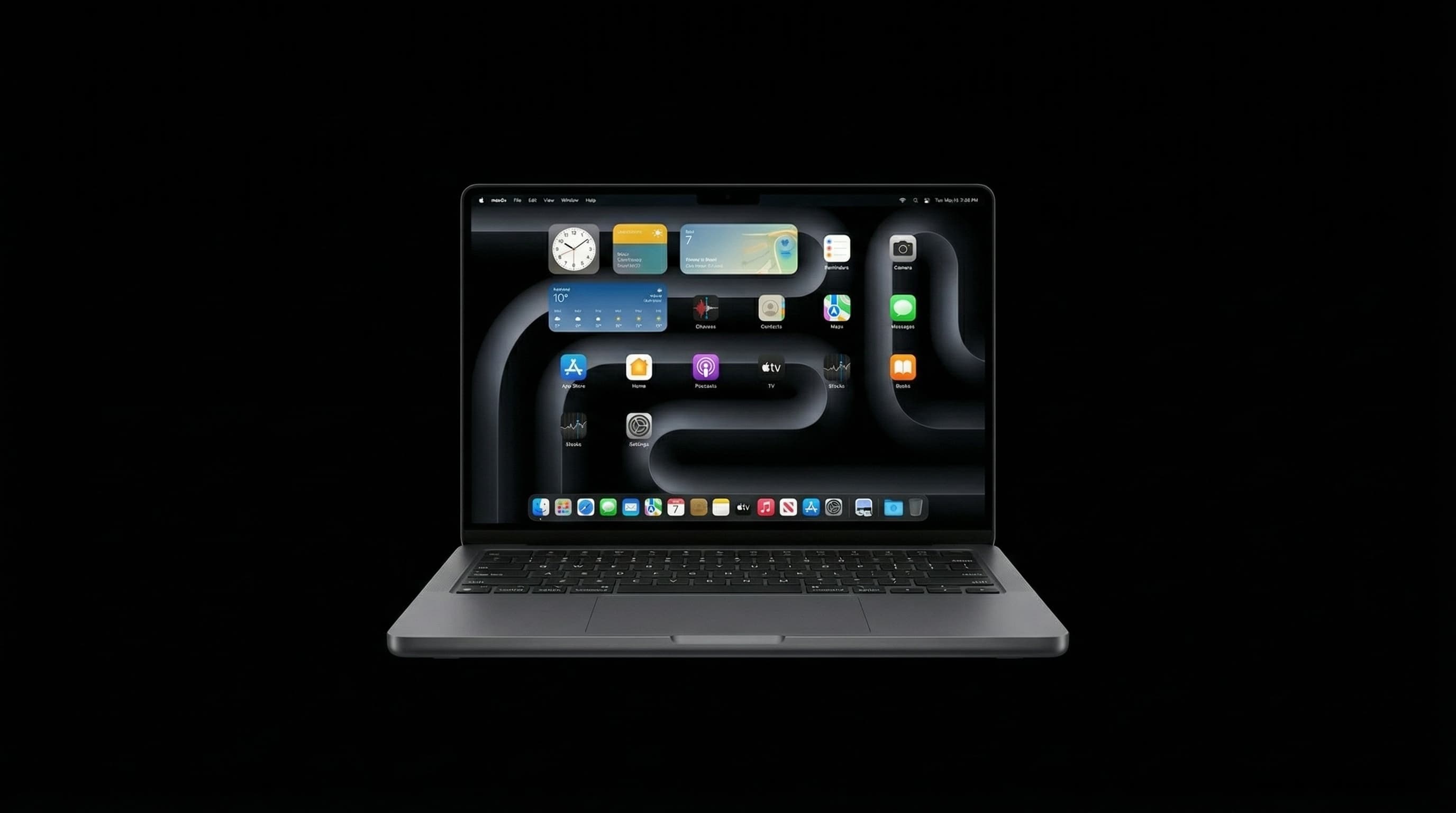
On every MacBook made since 2015, the trackpad doesn't physically click — it uses a Force Touch sensor and the Taptic Engine to simulate a click with a tiny vibration. That's why trackpad problems on a MacBook are almost never "loose buttons" — they're either an electrical/sensor fault, a software-level miscalibration, or (most commonly, and most overlooked) a swollen battery pushing up against the trackpad from underneath. Here's how to figure out which one you're dealing with, and what each fix costs in Mumbai.
Why MacBook Trackpads Stop Working Properly
Four distinct faults produce "trackpad problems," and they require completely different fixes. (1) Battery swelling is the single most common cause of a trackpad that suddenly feels stiff, doesn't click on one side, or has visibly lifted at the edges — an aging lithium-ion battery expands and physically pushes the trackpad assembly upward. (2) Taptic Engine failure means the haptic motor that simulates the click has died — the trackpad still tracks finger movement, but produces no click feedback at all. (3) Force Touch sensor or flex cable damage (often from a liquid spill or a drop) causes erratic behaviour — phantom clicks, the cursor jumping, or zones of the trackpad simply not responding. (4) Software-level issues — corrupted preference files, a failed macOS update, or third-party utilities interfering with Multi-Touch — are the rarest cause but the easiest to rule out first.
How to Tell Which One You Have (Before You Pay for Anything)
- 1Look at the trackpad from the side with the lid closed on a flat surface — if one edge is raised or the laptop rocks instead of sitting flat, that's a swollen battery, and you should stop using it immediately.
- 2Open System Settings → Trackpad and toggle 'Haptic Feedback' or 'Silent Clicking' off and on — if the click sensation disappears entirely with feedback enabled, the Taptic Engine has likely failed.
- 3Test in Safe Mode (hold Shift at startup) — if the trackpad behaves normally in Safe Mode but misbehaves in normal use, the cause is software (a corrupted preference file or a misbehaving app), not hardware.
- 4Check for inconsistent zones — gently run a finger across the entire pad; if specific areas (commonly the bottom corners) don't register touch at all, that points to a damaged flex cable or sensor, not the Taptic Engine.
- 5Reset the SMC and NVRAM (shut down, then hold the correct key combination for your model at startup) — this resolves a meaningful share of 'phantom click' and erratic-cursor cases that are purely firmware-level.
If your trackpad has visibly lifted, do not press down on it to 'test' it — a swollen battery can rupture under pressure. Power the MacBook off, avoid charging it further, and get it to a technician within 24–48 hours.
| Cause | How It Feels | Typical Fix | Cost in Mumbai |
|---|---|---|---|
| Swollen battery pushing up trackpad | Stiff click on one side, visible gap/rocking | Battery replacement | ₹4,500 – ₹8,000 |
| Taptic Engine (haptic motor) failure | No click feedback at all, but cursor moves fine | Taptic Engine / trackpad assembly replacement | ₹6,000 – ₹12,000 |
| Force Touch sensor / flex cable damage | Phantom clicks, dead zones, erratic cursor | Trackpad assembly + cable replacement | ₹6,500 – ₹13,000 |
| Software / preference corruption | Inconsistent across apps, fine in Safe Mode | Reset SMC/NVRAM, rebuild preferences | Free – ₹500 (diagnostic only) |
Because the trackpad, battery, and Taptic Engine are physically stacked in most MacBook models, what looks like a trackpad fault is very often actually a battery problem. Always get a free diagnosis before paying for a trackpad-specific repair — replacing the wrong part won't fix the issue.
Why You Shouldn't Wait on a Trackpad Issue
A trackpad fault caused by a swelling battery only gets worse — and more expensive — with time. Left unaddressed, the swelling can crack the trackpad glass, distort the lower case, and in rare cases damage the logic board sitting just beneath it. What starts as a ₹4,500 battery replacement can escalate into a ₹15,000+ multi-component repair if the MacBook keeps being used and charged in that state. If you notice any stiffness, lifting, or unevenness around the trackpad, treat it as a battery emergency, not a trackpad inconvenience.
Get a Free Trackpad Diagnosis Today
Don't guess at the cause — our technicians can identify whether it's the battery, the Taptic Engine, the sensor, or software within minutes, with no repair charge if you decide not to proceed. Free pickup available across Mumbai.
Free pickup available across all Mumbai areas · Mon–Sat 10am–8pm
10+ years of chip-level Apple repair experience in Mumbai. Specialises in MacBook logic board micro-soldering, data recovery, and complex Apple hardware faults. Every repair backed by a 90-day warranty.
Related Services & Repairs
Related service:
MacBook Repair Mumbai — View Full Service Details →More from the Blog
MacBook Fan Suddenly Loud or Noisy? What It Means and What to Do
A MacBook fan that's suddenly grinding, rattling, or running at full speed all the time isn't normal — and it's not something to just 'live with.' Here's what's actually happening inside, and when to get it looked at.
MacBook Keyboard Key Replacement vs Full Keyboard Swap: What's the Real Cost?
One sticky or missing key doesn't always mean you need a whole new keyboard. Here's how to tell the difference between a single-key fix and a full keyboard replacement — and why the wrong choice can cost you 4x more than necessary.
MacBook Hinge Loose or Screen Wobbling? Why It Happens and How to Fix It
A wobbly screen or a hinge that won't hold its angle isn't just annoying — left alone, it stresses the display cable every time you open and close the lid, and can eventually cause a much costlier screen failure. Here's what's really going on.
Apple Device Problem?
Get It Fixed Today — Free Diagnosis.
Mumbai's chip-level Apple repair specialists. Same-day repair · 90-day warranty · 100% data privacy. Don't settle for a slow fix or a replacement you don't need.
Open Mon–Sat · 10:00 AM – 8:00 PM · Mumbai