
MacBook Stuck on a Black Screen or Exclamation Mark (M1–M4): DFU Revive or Board Fault?

By Shrey Sharma, Founder & Lead Technician · October 2026
An Apple Silicon MacBook showing a circled exclamation mark, or nothing but a black screen, isn't always a hardware failure. How to tell a firmware problem you can fix with a DFU Revive from a display or logic board fault, without risking your data.
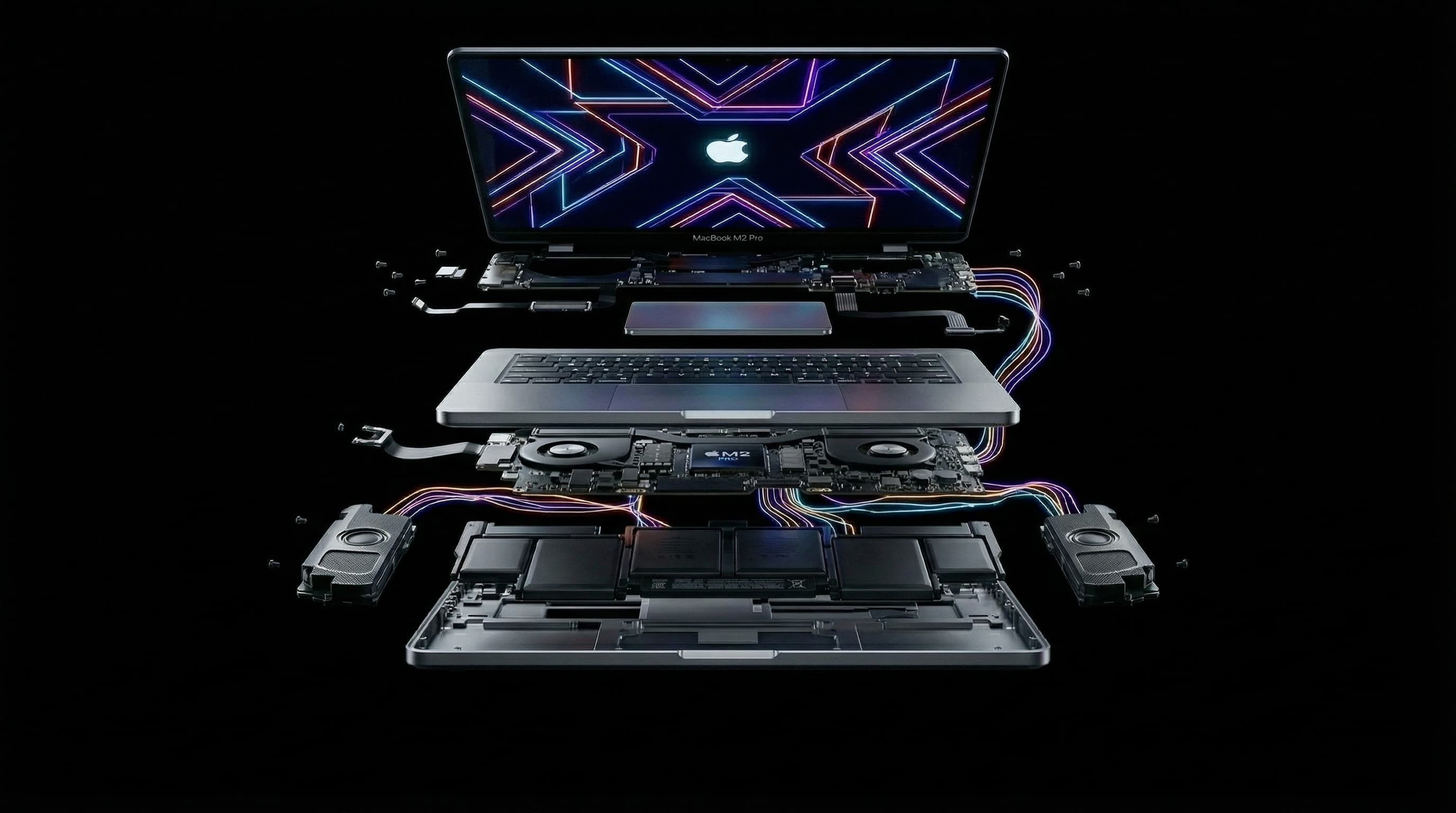
Two startup problems look alarming on an Apple Silicon MacBook: a circle with an exclamation mark, often with a link to support.apple.com/mac/restore, and a screen that stays completely black. Both can mean anything from damaged startup firmware, which is often fixable at home, to a failed display or logic board. The order you try things in matters, because one of the fixes Apple offers erases everything on the Mac.
What Does the Exclamation Mark Mean on an M1–M4 MacBook?
On Apple Silicon Macs, a circled exclamation mark at startup means the Mac couldn't start up properly, usually because the startup firmware or the recovery system is damaged. It can follow an interrupted macOS update, a power loss during an update, or less often a hardware fault. The Mac is telling you it needs to be revived or restored from another Mac.
What Should I Try First?
- 1Shut down fully. Hold the power (Touch ID) button for 10 seconds, wait a few seconds, then press and hold it again until "Loading startup options" appears.
- 2If startup options appear, choose Options to open macOS Recovery. From there you can run Disk Utility First Aid or reinstall macOS over the existing system, which keeps your files.
- 3If the exclamation mark keeps coming back, the next step is a DFU Revive from another Mac (below). Don't skip straight to Restore.
What Is the Difference Between DFU Revive and DFU Restore?
| Revive | Restore | |
|---|---|---|
| What it does | Reinstalls the startup firmware and recovery system | Erases the Mac and installs everything fresh |
| Your data | Kept | Erased permanently |
| When to use it | Always first, when firmware is the problem | Only when the data is backed up or doesn't matter |
A DFU Restore erases the internal storage. On M1–M4 MacBooks the storage is encrypted by the Apple chip, so nothing can be recovered afterwards. If your data isn't backed up, only ever choose Revive, and make sure anyone working on the Mac knows that.
How Do I Do a DFU Revive?
You need a second Mac running Apple Configurator (free on the Mac App Store) and a USB-C cable that supports data, not a charge-only cable.
- 1Connect the two Macs. The cable must go into the dead MacBook's DFU port. Which port that is depends on the model, and Apple's support page on reviving or restoring a Mac lists it for each one.
- 2On the dead MacBook, press and hold the power button. While holding it, also press and hold left Control, left Option and right Shift for about 10 seconds.
- 3Release the three keys but keep holding the power button until the Mac appears in Apple Configurator on the other Mac as "DFU".
- 4In Apple Configurator, right-click (Control-click) the Mac, choose Advanced, then Revive Device. Wait for it to finish without disconnecting anything.
Check that you're using the correct DFU port and a data-capable cable, and repeat the key combination carefully. If it still never shows up, the Apple chip may not be starting at all, and that points to a board-level power fault rather than firmware.
Why Is My MacBook Screen Black but the Mac Seems On?
If you hear the startup sound, see the keyboard backlight, or the Mac shows up on your network or in Find My, the computer is probably running and the problem is the display. Connect an external monitor through USB-C or HDMI. If the desktop appears there, the fault is the built-in screen, its cable, or its backlight power, not a dead logic board. That's a display repair, often much cheaper than a board repair.
Symptom Guide: Firmware, Display or Logic Board?
| What you see | Most likely | Next step |
|---|---|---|
| Exclamation mark, startup options still load | Damaged macOS or recovery system | First Aid, then reinstall macOS from Recovery |
| Exclamation mark every time, no startup options | Damaged startup firmware | DFU Revive from another Mac |
| Black screen, startup sound or keyboard light works | Built-in display or backlight | Test an external monitor, then display repair |
| Black screen, external monitor also blank, shows in DFU | Firmware, or a board fault after the chip starts | Revive, then board diagnosis if it fails |
| Black screen, never appears in DFU, no response to charger | Board-level power fault | Board-level diagnosis |
When Is It a Logic Board Fault?
If the Mac never appears in DFU mode with the correct port and cable, if Revive fails again and again with errors, or if the Mac doesn't respond to the charger at all, the problem is almost certainly on the board. Typical causes are a failed USB-C port controller, audio IC, power IC or charging IC, often after liquid damage. These are component-level repairs, and when they're done properly, your data stays intact.
Can Repeated Revives or Restores Damage the Mac?
Revive is safe to repeat. Restore is safe for the hardware but destroys your data, so treat it as a last resort. What can cause harm is something else: repeatedly forcing power to a Mac with a liquid or short-circuit fault. If there was any spill, or the Mac gets warm while doing nothing, stop and get it diagnosed.
How Much Does It Cost to Fix?
If a Revive fixes it, it costs nothing. Display faults are priced as a screen or backlight repair. Logic board faults typically cost ₹6,000–₹16,000 to repair at component level on standard M-series boards (MacBook Pros with Pro or Max chips cost more). We'll do the Revive for you during the free diagnosis if you don't have a second Mac, and quote in writing before any repair.
MacBook Stuck on an Exclamation Mark or Black Screen?
Free diagnosis at Mac Repair Center, Kandivali West, including a DFU Revive if that's all it needs. Free pickup anywhere in Mumbai, and your data is never erased without your say-so.
Free pickup available across all Mumbai areas · Mon–Sat 10am–8pm
10+ years of chip-level Apple repair experience in Mumbai. Specialises in MacBook logic board micro-soldering, data recovery, and complex Apple hardware faults. Every repair backed by a 90-day warranty.
Related Services & Repairs
Related service:
MacBook Black Screen Repair Mumbai — View Full Service Details →More from the Blog
M1, M2, M3, M4 and M5 MacBook Logic Board Repair Cost in Mumbai (2026)
Logic board repair on a MacBook with a standard M1 to M5 chip costs ₹6,000–₹16,000 in Mumbai, depending on which chip has failed. What decides the price, the faults behind most repairs, what Pro and Max models cost, and how it compares with Apple's board replacement.
"Logic Board Replacement Required": What Apple's Quote Means for Your M-Series MacBook
Apple quoted a full logic board replacement for your M1, M2, M3 or M4 MacBook. Here's why Apple quotes the whole board, what usually failed on it, when chip-level repair is the better deal, and when it honestly isn't.
Audio IC Failure: How a Sound Chip Can Make Your M-Series MacBook Completely Dead
It sounds unlikely, but a failed audio chip is one of the faults we see most often on completely unresponsive M1–M5 MacBooks. Why a sound chip can stop the entire Mac from starting, how it's diagnosed, and how it's repaired with your data intact.
Apple Device Problem?
Get It Fixed Today — Free Diagnosis.
Mumbai's chip-level Apple repair specialists. Same-day repair · 90-day warranty · 100% data privacy. Don't settle for a slow fix or a replacement you don't need.
Open Mon–Sat · 10:00 AM – 8:00 PM · Mumbai