
MacBook Fan Suddenly Loud or Noisy? What It Means and What to Do

By Shrey Sharma, Founder & Lead Technician · June 2026
A MacBook fan that's suddenly grinding, rattling, or running at full speed all the time isn't normal — and it's not something to just 'live with.' Here's what's actually happening inside, and when to get it looked at.
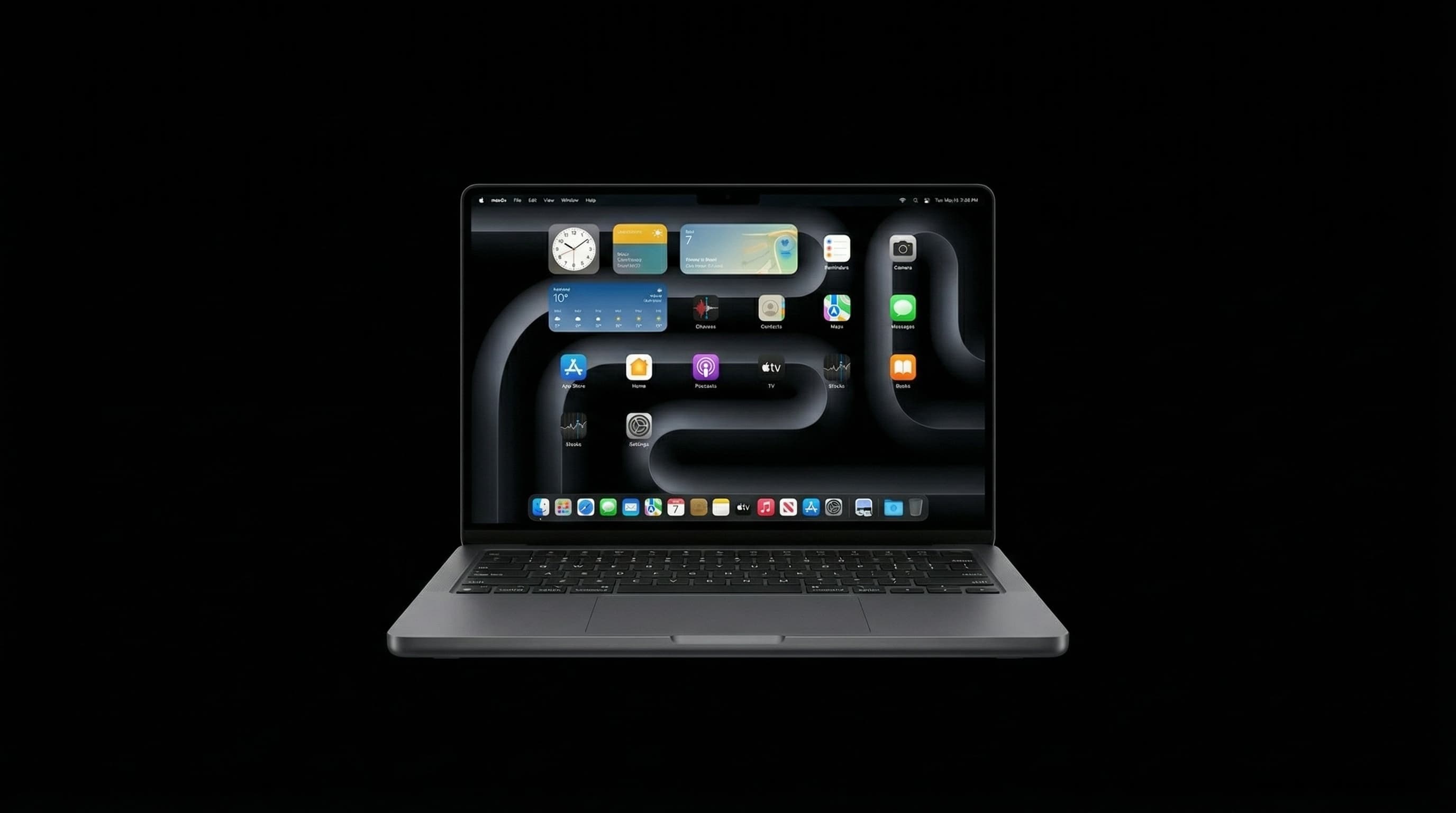
A MacBook fan spinning up occasionally during heavy tasks — video exports, large compiles, intensive games — is completely normal. A fan that's suddenly loud during everyday browsing, makes a grinding or rattling noise, or simply never spins down, is not. That's your MacBook telling you something has changed inside it, and ignoring it tends to lead to thermal throttling (your Mac slowing itself down to avoid damage) or, in worse cases, component damage from sustained heat.
The Most Common Reasons a MacBook Fan Gets Loud
| What You Hear | Likely Cause | Urgency |
|---|---|---|
| Constant whooshing/whirring even during light use | Dust-clogged heatsink trapping heat inside | Moderate — clean soon |
| Grinding, rattling, or clicking noise | Worn fan bearing or a foreign object (hair, dust clumps) in the blades | High — can damage the fan motor |
| Fan runs at full speed constantly, never settles | Degraded thermal paste no longer transferring heat from the chip | High — risk of thermal throttling/damage |
| Loud only on one side / intermittent buzzing | Loose internal component or a fan slightly dislodged (often after a drop) | Moderate to high — get it checked |
Why Mumbai's Climate Makes This Worse
Mumbai's combination of heat, humidity, dust, and (during monsoon) airborne moisture is genuinely tougher on MacBook cooling systems than drier climates. Dust mixes with ambient humidity to form a sticky film inside the heatsink fins — far harder to dislodge than dry dust, and far more effective at trapping heat. We see MacBooks that are barely two years old in Mumbai with heatsinks as clogged as five-year-old machines from drier cities. If you live or work near a road, construction site, or in an older building with less filtered air conditioning, your MacBook's fan is working harder than the person next to you with an identical model elsewhere.
- 1Check Activity Monitor → CPU tab, sorted by '% CPU' — if nothing unusual is running but the fan is still maxed out, it's very likely a hardware/thermal issue, not a runaway app.
- 2Use a free utility like Macs Fan Control to check actual fan RPM and internal temperatures — sustained temperatures above 90–95°C at idle is a clear red flag.
- 3Place the MacBook on a hard, flat surface (not a bed, cushion, or your lap) for 15 minutes and see if the noise or temperature changes — soft surfaces block the intake vents and can be the entire problem.
- 4Listen closely to identify which side the noise comes from — this helps a technician pinpoint whether it's the fan itself, the heatsink, or a loose internal part.
If your MacBook has started feeling noticeably slower at the same time the fan got louder, that's not a coincidence — macOS automatically reduces processor speed to manage heat when cooling isn't keeping up. A proper clean and (if needed) thermal paste replacement often restores both the noise level and the original performance in one visit.
| Service | What's Involved | Cost in Mumbai |
|---|---|---|
| Deep clean + re-apply thermal paste | Full disassembly, heatsink and fan cleaning, fresh thermal compound | ₹2,000 – ₹3,500 |
| Fan replacement (worn bearing/motor) | Replace the affected fan unit with OEM-grade part | ₹3,000 – ₹6,000 |
| Full thermal system service (clean + paste + fan check) | Comprehensive service for machines 3+ years old | ₹3,500 – ₹6,500 |
Don't try to open your MacBook and clean the fan yourself with compressed air through the vents — this often just pushes dust deeper into the heatsink fins or, worse, spins the fan blades backward fast enough to generate a damaging voltage spike on the logic board.
Get Your MacBook's Cooling System Checked
A loud fan today is a thermal-throttled (or worse) MacBook tomorrow. Our technicians can diagnose and resolve fan noise in a single visit — with free pickup across Mumbai.
Free pickup available across all Mumbai areas · Mon–Sat 10am–8pm
10+ years of chip-level Apple repair experience in Mumbai. Specialises in MacBook logic board micro-soldering, data recovery, and complex Apple hardware faults. Every repair backed by a 90-day warranty.
Related Services & Repairs
Related service:
MacBook Overheating Repair Mumbai — View Full Service Details →More from the Blog
MacBook Overheating? 9 Causes and How to Fix Each One
A hot MacBook is an unhappy MacBook — and a fast-degrading one. Here are 9 overheating causes and exactly how to fix them, from free software tweaks to hardware solutions.
MacBook Trackpad Not Clicking or Not Working? Causes, Fixes & Mumbai Repair Cost
A trackpad that won't click, registers phantom touches, or has gone completely dead is rarely a software problem on modern MacBooks. Here's how to tell what's actually wrong — and what it costs to fix in Mumbai.
MacBook Keyboard Key Replacement vs Full Keyboard Swap: What's the Real Cost?
One sticky or missing key doesn't always mean you need a whole new keyboard. Here's how to tell the difference between a single-key fix and a full keyboard replacement — and why the wrong choice can cost you 4x more than necessary.
Apple Device Problem?
Get It Fixed Today — Free Diagnosis.
Mumbai's chip-level Apple repair specialists. Same-day repair · 90-day warranty · 100% data privacy. Don't settle for a slow fix or a replacement you don't need.
Open Mon–Sat · 10:00 AM – 8:00 PM · Mumbai