
MacBook Overheating? 9 Causes and How to Fix Each One

By Shrey Sharma, Founder & Lead Technician · February 2025
A hot MacBook is an unhappy MacBook — and a fast-degrading one. Here are 9 overheating causes and exactly how to fix them, from free software tweaks to hardware solutions.
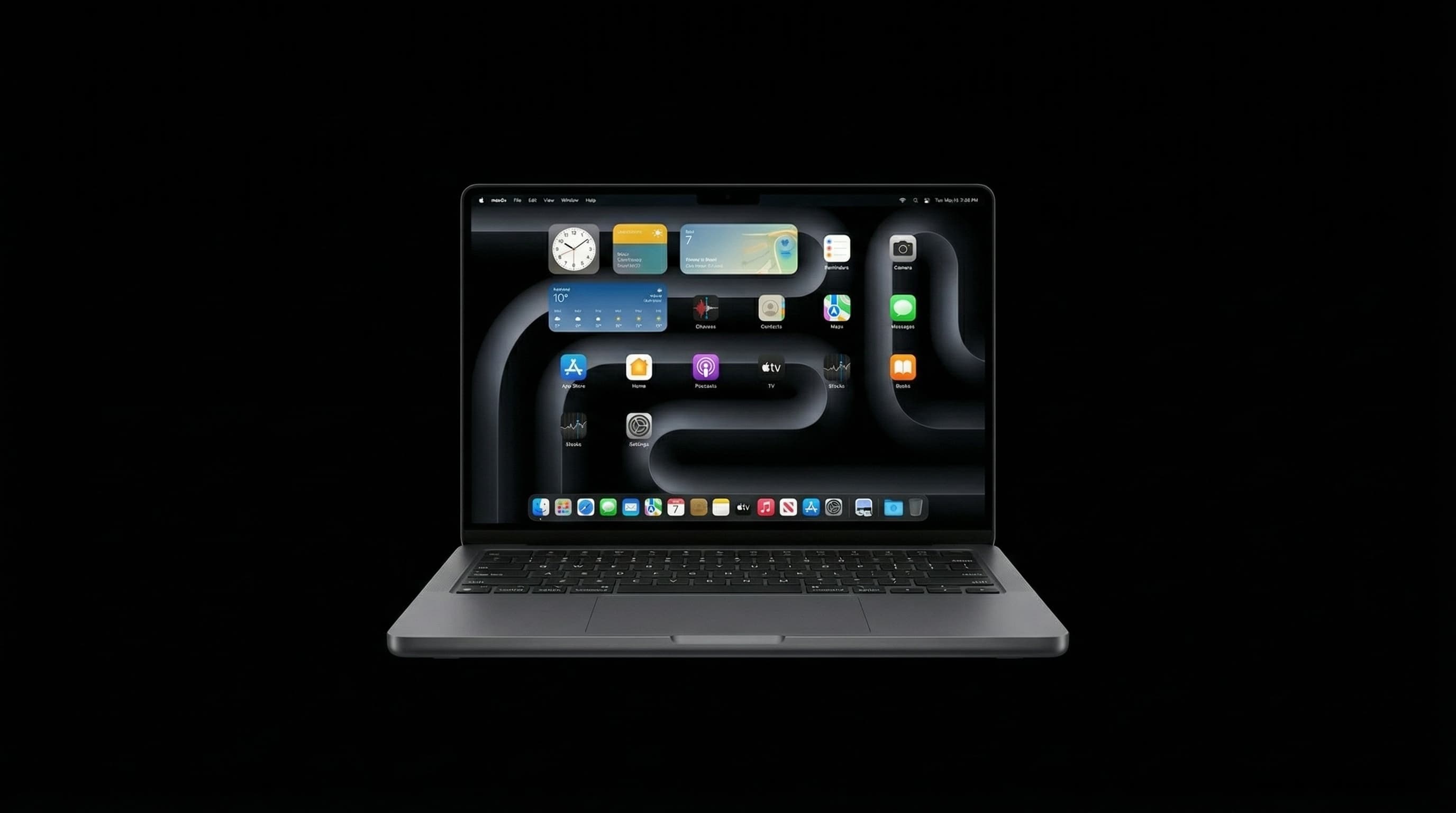
Mumbai's hot and humid climate is genuinely hard on MacBooks — and a MacBook that's already struggling with thermal management gets worse here. Sustained overheating throttles your MacBook's performance, degrades battery life, and shortens the hardware lifespan. Here's how to diagnose and fix it.
Cause 1: CPU/GPU Being Maxed by a Background Process
Open Activity Monitor (Spotlight > Activity Monitor) and sort by CPU usage. Look for any process using more than 100% CPU. Browser tabs, video editors, and misbehaving apps are common culprits. Force-quit the offending process and see if temperature drops.
Cause 2: macOS Spotlight Reindexing
After a macOS update, Spotlight reindexes your entire disk — a CPU-intensive process that can last hours. In Activity Monitor, look for 'mds_stores' or 'mdworker'. This is temporary and will stop on its own.
Cause 3: Browser with Too Many Tabs
Chrome is notoriously bad for MacBook thermals. Each tab runs as a separate process. Try switching to Safari for better macOS integration and lower CPU overhead. Limit open tabs and use an extension like OneTab to suspend inactive tabs.
Cause 4: Blocked Ventilation
MacBook Air and MacBook Pro vent through the hinge area. Using your MacBook on a bed, pillow, or couch blocks this vent entirely. Use it on a hard surface or invest in a stand that elevates the MacBook and allows airflow underneath.
Cause 5: Dust Buildup Inside (Common in Mumbai)
Mumbai's humidity and airborne particles cause dust to accumulate faster inside MacBooks than in drier climates. After 2–3 years, the internal fan and heatsink fins can be coated in dust, reducing airflow by 50% or more. This requires professional internal cleaning — opening the MacBook to physically clean the fan and heatsink.
Cause 6: Thermal Paste Dried Out
The thermal compound between the CPU/GPU and heatsink degrades over 4–6 years, losing its heat-transfer efficiency. Old thermal paste causes temperatures to run 15–25°C higher than normal. A professional thermal paste replacement brings temperatures back to factory specs.
Cause 7: Fan Failing or Dead
MacBook fans can fail — especially after liquid damage or in older MacBooks with worn bearings. If your MacBook is silent during heavy tasks (when it should be spinning), or if you hear grinding/clicking from the fan, the fan itself may be failing. A failed fan causes rapid temperature rise.
Cause 8: macOS Not Updated
Apple regularly releases macOS updates that include CPU management improvements. Running an outdated macOS version may mean missing thermal management improvements. Keep macOS updated to the latest version compatible with your MacBook model.
Cause 9: Logic Board Damage or Failing Sensors
Temperature sensor failures can cause the MacBook to run its fans at maximum speed constantly, or conversely, not spin the fans when it should. This is a hardware diagnosis job — bring it in if you've tried everything above.
Sustained temperatures above 95°C will throttle performance and permanently degrade battery and logic board lifespan. If your MacBook regularly exceeds this, seek professional service.
MacBook Thermal Service in Mumbai
Mac Repair Center offers professional MacBook cleaning, thermal paste replacement, and fan service starting from ₹2,500. Same-day service at our Kandivali West workshop. Call +91 77000 44192.
Free pickup available across all Mumbai areas · Mon–Sat 10am–8pm
10+ years of chip-level Apple repair experience in Mumbai. Specialises in MacBook logic board micro-soldering, data recovery, and complex Apple hardware faults. Every repair backed by a 90-day warranty.
Related Services & Repairs
Related service:
MacBook Repair Mumbai — View Full Service Details →More from the Blog
MacBook Fan Suddenly Loud or Noisy? What It Means and What to Do
A MacBook fan that's suddenly grinding, rattling, or running at full speed all the time isn't normal — and it's not something to just 'live with.' Here's what's actually happening inside, and when to get it looked at.
MacBook Trackpad Not Clicking or Not Working? Causes, Fixes & Mumbai Repair Cost
A trackpad that won't click, registers phantom touches, or has gone completely dead is rarely a software problem on modern MacBooks. Here's how to tell what's actually wrong — and what it costs to fix in Mumbai.
Apple T2 Chip Failure Mumbai 2026: What It Controls, How It Fails, and What Can Be Fixed
The T2 chip in 2018–2020 Intel MacBooks controls Touch ID, encrypted storage, Secure Boot, and power management. When it fails, the symptoms are confusing and most shops misdiagnose it. Here's what actually happens — and what chip-level repair can fix.
Apple Device Problem?
Get It Fixed Today — Free Diagnosis.
Mumbai's chip-level Apple repair specialists. Same-day repair · 90-day warranty · 100% data privacy. Don't settle for a slow fix or a replacement you don't need.
Open Mon–Sat · 10:00 AM – 8:00 PM · Mumbai