
MacBook Won't Turn On: Is It the Battery, Charger, or Logic Board? (Diagnostic Guide)

By Shrey Sharma, Founder & Lead Technician · June 2026
A MacBook that won't power on at all is one of the most stressful situations to face — and one of the easiest to misdiagnose. This step-by-step guide helps you narrow down the real cause before you spend a rupee.
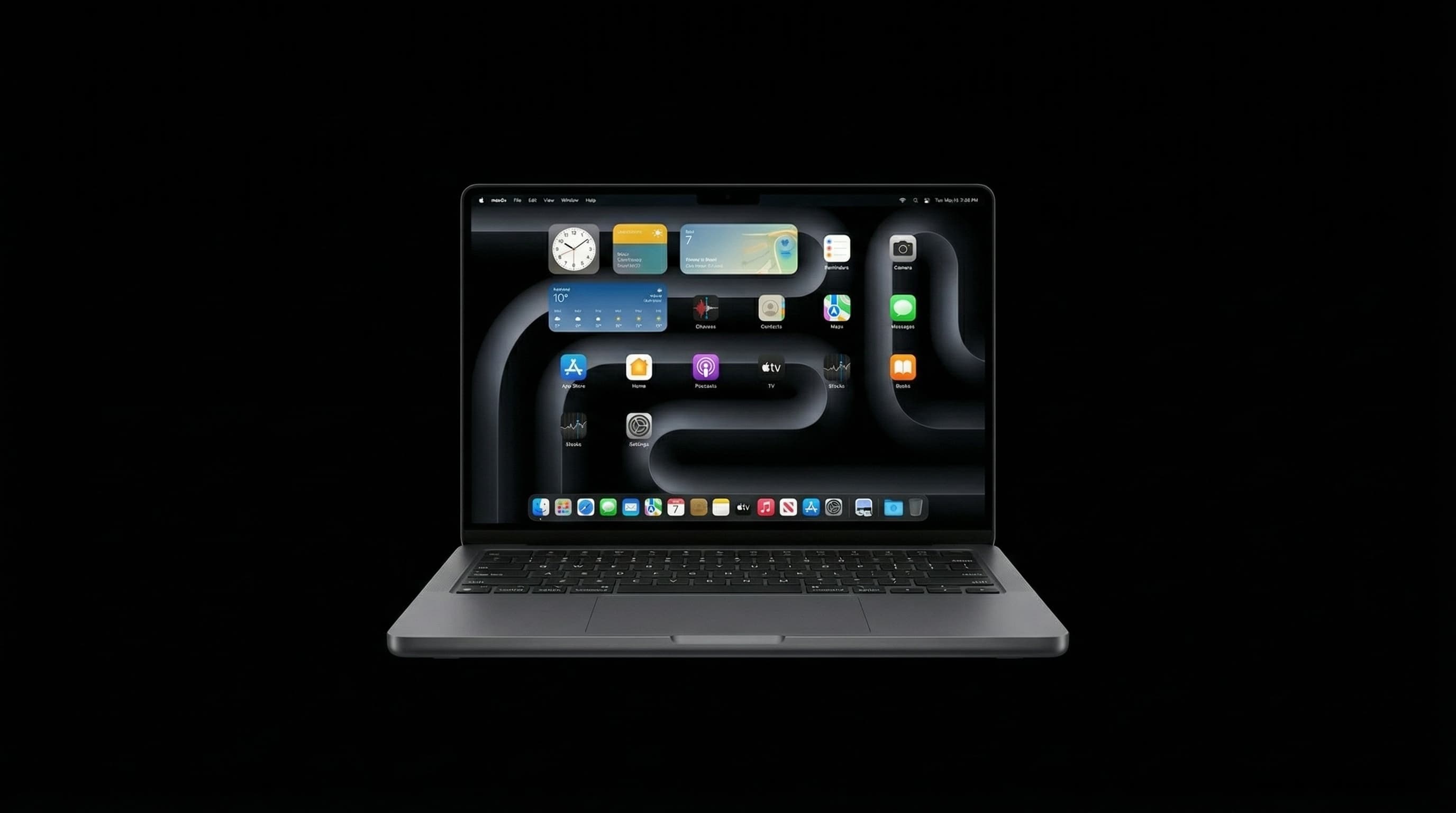
A completely unresponsive MacBook — no chime, no light, no fan, nothing on screen — feels like the worst-case scenario. The good news: 'won't turn on' has a fairly small list of actual causes, and a methodical process of elimination can usually narrow it down to one of three categories before you even bring it in. That matters, because the cost difference between these three is enormous — and an inaccurate first guess is the most common reason people overpay.
Step-by-Step: Narrowing Down the Cause
- 1Check for ANY sign of life — plug it in and look closely for a charging indicator light, listen for fan spin-up or a startup chime, and watch for even the faintest screen backlight in a dark room. Any of these means there IS power reaching some part of the system — which rules out a fully dead battery and board, and points toward a display or software-level issue instead.
- 2Try a forced restart — hold the power button for 10 seconds, release, then press again. On Apple Silicon Macs, this alone resolves a meaningful share of 'frozen, looks dead' cases that aren't actually power failures.
- 3Test with a different charger and cable — connect a known-working, correct-wattage charger. If a charging light appears with the new charger but not the old one, your original charger or cable was the entire problem — a ₹0 logic board issue.
- 4Try an SMC reset — for Apple Silicon Macs, this means shutting down, then holding the power button for 10 seconds; for Intel models, the key combination differs by whether the battery is removable. This resolves a notable share of 'won't power on' cases that are power-management glitches, not hardware failures.
- 5Listen and feel for warmth near the logic board area after attempting to power on — unusual warmth with zero display response can indicate the board is receiving power but failing to complete its boot sequence — a more serious (and more expensive) sign.
| What You Observe | Most Likely Cause | Approx. Cost in Mumbai |
|---|---|---|
| Charges/lights up with a different charger, not the old one | Faulty charger or cable — not the MacBook itself | ₹0 (replace charger only) |
| No light with any charger, but device feels warm when plugged in | Battery completely depleted or failed — board may be fine | ₹4,500 – ₹8,000 (battery replacement) |
| No response, no warmth, no light under any test | Logic board power-delivery failure | ₹8,000 – ₹20,000+ (board-level diagnosis & repair) |
| Faint backlight or chime present, but screen stays black | Display or graphics-related fault — not a 'won't turn on' issue at all | ₹3,500 – ₹16,000 (display/cable repair) |
Try to remember exactly what you were doing right before it stopped responding — was it charging, was it dropped, was it exposed to any moisture, had it just installed an update, or had the battery been showing low-charge warnings recently? This single detail often points a technician straight to the right diagnostic path and can shave a full day off the process.
If your MacBook stopped responding shortly after any contact with liquid — even what felt like a small amount — do not attempt to charge it or press the power button repeatedly. Powering a wet board can actively spread corrosion and turn a salvageable situation into permanent damage. Power it off (if it's on), and get it to a technician as quickly as possible.
Why a Proper Diagnosis Matters So Much Here
The cost gap between these scenarios is genuinely enormous — a faulty charger costs nothing to fix beyond a replacement cable, while a logic board power-delivery fault can run into five figures. This is exactly the kind of situation where an inaccurate guess (your own, or an inexperienced repairer's) leads to either paying for parts you didn't need, or — worse — paying for a 'fix' that doesn't address the actual fault at all. A proper component-level diagnosis isolates the real cause first, every time, before any money changes hands on the repair itself.
Get a Free, No-Obligation Power Diagnosis
Our technicians can usually identify whether it's the charger, battery, or logic board within the first 30 minutes — at no cost to you if you decide not to proceed. Free pickup available across Mumbai.
Free pickup available across all Mumbai areas · Mon–Sat 10am–8pm
10+ years of chip-level Apple repair experience in Mumbai. Specialises in MacBook logic board micro-soldering, data recovery, and complex Apple hardware faults. Every repair backed by a 90-day warranty.
Related Services & Repairs
Related service:
MacBook Repair Mumbai — View Full Service Details →More from the Blog
MacBook Not Charging? Here's Exactly What's Wrong (+ Mumbai Repair Cost 2026)
After 5,000+ MacBook repairs in Mumbai, here's the honest breakdown: the 6 most common causes, 3 free fixes to try first, and exact 2026 repair costs — from ₹0 (SMC reset) to ₹25,000 (liquid damage board repair).
Audio IC Failure: How a Sound Chip Can Make Your M-Series MacBook Completely Dead
It sounds unlikely, but a failed audio chip is one of the faults we see most often on completely unresponsive M1–M5 MacBooks. Why a sound chip can stop the entire Mac from starting, how it's diagnosed, and how it's repaired with your data intact.
Power IC vs Charging IC Failure on M-Series MacBooks: Dead When Plugged In, or Just Won't Charge?
Two different chips cause two of the most common M-series MacBook faults. A failed charging IC stops the battery charging. A failed power IC can leave the Mac dead even on the charger. How to tell which one you're likely dealing with, and how each is repaired.
Apple Device Problem?
Get It Fixed Today — Free Diagnosis.
Mumbai's chip-level Apple repair specialists. Same-day repair · 90-day warranty · 100% data privacy. Don't settle for a slow fix or a replacement you don't need.
Open Mon–Sat · 10:00 AM – 8:00 PM · Mumbai