
MacBook M1 Logic Board Repair in Mumbai: Charging IC, CD3217 USB-C and DFU Faults (2026)

By Shrey Sharma, Founder & Lead Technician · November 2026
Your M1 MacBook Air or Pro is dead, won't charge, or is stuck in DFU. The four board faults behind almost every case (charging IC, CD3217 USB-C controller, power IC and SSD), how each is repaired at chip level, what it costs in Mumbai and whether your data survives.
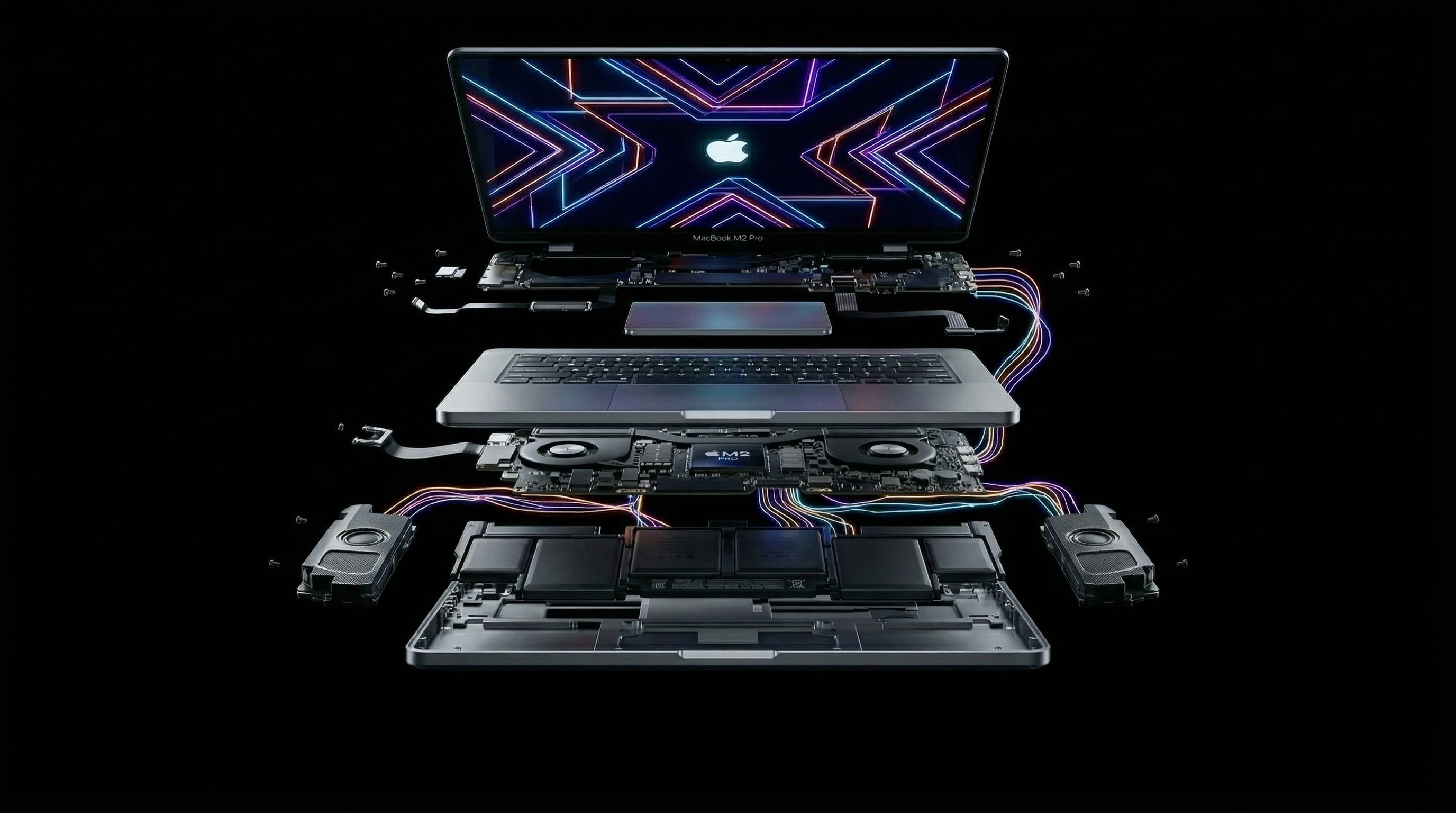
Your M1 MacBook was fine last night. This morning it won't start. Maybe the charger has been showing nothing for a few days, maybe it died after you plugged in a cheap USB-C hub at a client's office in BKC, or maybe it now shows a black screen and Apple Configurator says it is sitting in DFU mode. The Apple service centre has said the logic board must be replaced, and the quote is more than the Mac feels worth.
Before you accept that quote, know this: on the M1 MacBook Air (A2337) and the 13-inch M1 MacBook Pro (A2338), a dead or non-charging Mac is almost always one failed chip on the logic board, not a dead board. This guide covers what to check first, the four faults behind almost every M1 board repair we do in our Kandivali West workshop, how each one is fixed at chip level, what it costs in Mumbai in 2026, and what happens to your data.
Do These 5 Things Before You Bring It In
A few checks separate a genuine board fault from a charger or cable problem. They take ten minutes and cost nothing.
- 1Try a known-good Apple charger and cable on both USB-C ports. The M1 Air and M1 Pro charge only through their two USB-C ports on the left side. Each port has its own controller, so a Mac that charges on one port and not the other is already telling you which chip has failed.
- 2Remove every hub, dock and dongle. A shorted hub or a faulty bus-powered drive can hold the whole board down. Plug the charger straight into the Mac and nothing else.
- 3Leave it on the charger for 30 minutes before deciding it is dead. A fully flat battery can take several minutes before the Mac shows any sign of life.
- 4Hold the power (Touch ID) button for 10 seconds, release, then press it once. This forces a full restart if the Mac is on but the screen is dark.
- 5Do not keep plugging in different chargers for hours. If a chip on the power path is shorted, repeatedly forcing power into it can damage the parts around it. Two or three attempts is diagnosis; more than that is risk.
If Apple Configurator shows your M1 in DFU mode, do not click Restore. A DFU Restore erases the internal storage, and on M1 the storage is encrypted by the Apple chip, so nothing can be recovered afterwards. Try Revive only, or bring it to us first if your files matter.
Why M1 Logic Boards Fail Now, Five Years On
The first M1 MacBooks shipped in late 2020, so almost every one in Mumbai is now out of Apple's warranty. Most have lived through several monsoons, years of USB-C chargers of varying quality, and daily trips in a backpack. None of that kills the M1 chip itself, which we almost never see fail. What it wears out are the small chips around it that handle power and charging.
- Cheap chargers and hubs. A poorly built USB-C charger or hub can send a voltage spike into the port. The first chip that spike meets is the USB-C controller behind that port.
- Humidity and small spills. Mumbai's humidity from June to September, a few drops of chai near the left-side ports, or a damp bag on the local train all start slow corrosion around the charging circuit. It can take months to cause a failure.
- Heat on the fanless Air. The M1 Air has no fan, so the board runs warm under long workloads. Years of heat cycles stress solder joints on the power section.
- Battery age. A worn battery makes the charging circuit work harder and can mask a charging IC fault until the battery is flat.
What Actually Fails on an M1 Logic Board
Four faults account for almost every M1 board repair we do: a failed charging IC, a failed CD3217B12 or CD3217B13 USB-C controller (the "USB manager"), a failed power IC, and a corrupt or failing SSD that leaves the Mac stuck in DFU mode. The symptom alone rarely tells you which one, which is why diagnosis happens on a bench supply, not by guessing.
- CD3217B12 / CD3217B13 USB-C controller (USB manager) — each USB-C port on an M1 MacBook has its own Texas Instruments CD3217-series controller that negotiates power with the charger. When one fails, that port stops charging. When it fails shorted, it can pull down the board's main power line and the Mac looks completely dead. This is the single most common M1 board repair we do. Read more in our guide to USB-C port controller failure.
- Charging IC — the chip that takes power from the USB-C controllers and charges the battery. When it fails, the Mac either runs only while plugged in, or charges to a fixed percentage and stops, or appears dead once the battery runs flat. The charger may still show it is connected.
- Power IC (PMU) — the power management chip that generates the many lower voltages the M1 chip, memory and storage need. A failed or shorted power IC means the Mac draws current from the charger but never starts: no chime, no backlight, no keyboard light.
- SSD (NAND storage) corruption — on M1 the storage is soldered to the logic board. When the NAND chips or their data become corrupt, the Mac can boot-loop, show a circled exclamation mark, or sit in DFU mode with a black screen. A Revive in Apple Configurator then fails partway through. See our guide to the exclamation mark and black screen on Apple Silicon.
- Audio IC — less common, but a short in the audio chip can pull down a shared power rail so the Mac won't respond at all, with nothing to suggest it is sound-related.
Chip-Level Repair vs Board Replacement: The Decision That Shapes Your Bill
Apple's service route for any of these faults is to replace the entire logic board. On an M1 that means replacing the M1 chip, the memory and the storage together, usually for ₹40,000–80,000, and the new board comes back with empty storage. For a five-year-old MacBook Air, that quote is often more than the Mac is worth.
Chip-level repair replaces only the part that failed: one CD3217 controller, one charging IC, one power IC. It needs a microscope, a hot-air rework station, a current-limited bench power supply and the board's schematics, and it is what we do every day. The process runs in five stages:
- 1Power path measurement. The board is connected to a bench supply and each power rail is checked in order: input from the charger, the main rail, then the standby rails. Where the chain stops tells us which section has failed.
- 2Short circuit detection. A shorted rail draws too much current and the faulty chip heats up first. Thermal imaging shows it directly, so nothing is replaced on guesswork.
- 3Microscope inspection. The board is examined for corrosion, burnt components and earlier repair attempts, especially around the left-side ports.
- 4Targeted chip replacement. The failed CD3217, charging IC or power IC is removed with hot air and a new one is soldered in under the microscope. The M1 chip, memory and storage are not touched.
- 5Full testing. Charging on both ports, display, keyboard, trackpad, speakers, Wi-Fi, Bluetooth and battery reporting, followed by a burn-in test before handover.
How Much Does M1 Logic Board Repair Cost in Mumbai?
No honest technician can give you a fixed price before the board has been measured, because the same symptom can come from different chips. What we can tell you is the range: chip-level logic board repair on M1 MacBooks costs ₹6,000–₹16,000. Where your repair falls depends on which chip failed and whether anything around it was damaged, not on whether it is an Air or a Pro.
| Fault | What we replace | Typical range in Mumbai |
|---|---|---|
| CD3217B12 / CD3217B13 USB-C controller | The failed controller behind the dead port | ₹6,000–₹16,000 |
| Charging IC | The battery charging chip and any damaged parts around it | ₹6,000–₹16,000 |
| Power IC (PMU) or shorted power rail | The failed power chip or the shorted component on that rail | ₹6,000–₹16,000 |
| SSD / NAND fault, stuck in DFU | Storage repaired or NAND replaced, then macOS restored | Quoted after diagnosis |
| Liquid damage on an M1 board | Ultrasonic cleaning plus every corroded component | ₹6,000–₹22,000 |
| Apple logic board replacement (for comparison) | Entire board, empty storage | Often ₹40,000–₹80,000 |
Set that against buying new: a current MacBook Air costs around ₹1 lakh. An M1 Air or M1 Pro with a repaired board is still more than enough for office work, study, coding and photo editing, and it comes back with your files and setup exactly as they were.
Will Your Data Survive an M1 Board Repair?
In most cases, yes. The storage on an M1 MacBook is soldered to the logic board and encrypted by the M1 chip, so it can't be removed and read in another computer. That sounds bad, but it works in your favour with chip-level repair: because the original board is repaired and the M1 chip and storage stay together, your files are there when the Mac starts up again.
- A CD3217, charging IC or power IC fault is nowhere near the storage. Repair the chip and your data comes back untouched.
- A board replacement from Apple comes back with empty storage. Your data stays on the old board, which you usually don't get back.
- If the SSD itself has failed, data on the failed NAND chips can't be recovered. That is why a DFU Restore should never be the first thing tried on a Mac that won't boot: Revive first, then a proper diagnosis.
If your data matters more than the hardware, tell us when you drop the Mac off. Our data recovery service handles cases where the board needs to be stabilised before anything else.
What to Look for in an M1 Board Repair Centre in Mumbai
- Do you repair at chip level, or replace the board? If the answer is replacement, the quote will reflect a whole new board for what may be one failed controller.
- Do you have a bench power supply and thermal camera? Finding a shorted chip without them is guesswork. Ask to see the equipment.
- Is the diagnosis free, with a written quote before any work? You should know the failed chip and the price before anything is soldered.
- What warranty do you give? We back every board repair with a 90-day warranty on the repaired fault.
How Long Does M1 Logic Board Repair Take?
- Diagnosis: usually the same day. You get the failed chip, photos and the exact price on WhatsApp.
- Single chip (CD3217, charging IC or power IC): 1–2 working days, including the burn-in test.
- Liquid damage with several components: 2–4 working days.
- SSD / DFU cases: depends on whether the storage can be repaired or has to be replaced. We tell you after diagnosis.
My M1 MacBook charges on one port but not the other. Is that the board?
Almost certainly. Each USB-C port on an M1 MacBook has its own CD3217 controller. If one port charges and the other doesn't, with the same known-good charger and cable, the controller behind the dead port has usually failed. Repair it soon: a failing controller can short later and take the whole Mac down with it.
Can an M1 MacBook stuck in DFU mode be fixed without losing data?
Often, yes. If the storage is healthy and only the firmware is damaged, a DFU Revive in Apple Configurator reinstalls it without erasing your files. If the Revive fails partway, the SSD or a power rail feeding it is usually at fault, and that needs a board-level diagnosis before anyone tries a Restore, because a Restore erases everything.
Apple said my M1 logic board must be replaced. Should I believe them?
Apple's service process doesn't repair boards at chip level, so its answer to almost any board fault is replacement. That doesn't mean the board can't be repaired. Most M1 boards Apple has written off are one failed chip away from working again. Get a second opinion before paying ₹40,000 or more.
Can I courier my M1 MacBook from outside Mumbai?
Yes. Customers across India courier MacBooks to our Kandivali West workshop. WhatsApp us the model and symptoms first, pack it securely and send it by tracked courier. We diagnose it free, send the fault and a written quote, and repair only after you approve. It comes back with the 90-day warranty.
Is it worth repairing an M1 MacBook in 2026?
Almost always. At ₹6,000–₹16,000, a board repair costs a fraction of a new MacBook, the M1 chip is still fast for everyday and professional work, and the repair keeps your data and setup. A board replacement, by contrast, costs several times more and wipes the storage.
M1 MacBook Dead, Not Charging or Stuck in DFU?
WhatsApp +91 77000 44192 with your model (A2337 or A2338) and what happened. Free diagnosis at Mac Repair Center, Raghuleela Mega Mall, Kandivali West, free pickup across Mumbai, courier from anywhere in India, and a 90-day warranty on every board repair.
Free pickup available across all Mumbai areas · Mon–Sat 10am–8pm
10+ years of chip-level Apple repair experience in Mumbai. Specialises in MacBook logic board micro-soldering, data recovery, and complex Apple hardware faults. Every repair backed by a 90-day warranty.
Related Services & Repairs
Related service:
MacBook Logic Board Repair Mumbai — View Full Service Details →More from the Blog
MacBook Air M2 Logic Board Repair in Mumbai: Charging IC, CD3217, Power IC and DFU Faults (2026)
M2 MacBook Air dead, not charging on MagSafe or USB-C, or stuck in DFU? The board faults behind it (charging IC, CD3217 USB-C controller, power IC and corrupt SSD), how each is fixed at chip level, what it costs in Mumbai and what happens to your data.
MacBook Air M1 Dead, No Power? The Logic Board Faults Behind It and How Each Gets Fixed
A MacBook Air M1 that shows no sign of life is usually one failed component away from working again. How to rule out the free fixes, tell a battery problem from a board fault, and what the common board-level causes are.
USB-C Port Controller Failure: Why Your M-Series MacBook Won't Charge and Then Seems Dead
A failed USB-C port controller is one of the most common reasons an M1–M5 MacBook stops charging and then appears completely dead. What the chip does, the warning signs, what damages it, and how it's repaired without losing data.
Apple Device Problem?
Get It Fixed Today — Free Diagnosis.
Mumbai's chip-level Apple repair specialists. Same-day repair · 90-day warranty · 100% data privacy. Don't settle for a slow fix or a replacement you don't need.
Open Mon–Sat · 10:00 AM – 8:00 PM · Mumbai