
MacBook Air M2 Not Charging After a Spill? Port, Charging Circuit or Board Short

By Shrey Sharma, Founder & Lead Technician · October 2026
Your MacBook Air M2 stopped charging after chai, coffee or rain got into it. How to rule out the harmless causes, what the MagSafe light and each USB-C port tell you, and which faults need board-level repair.
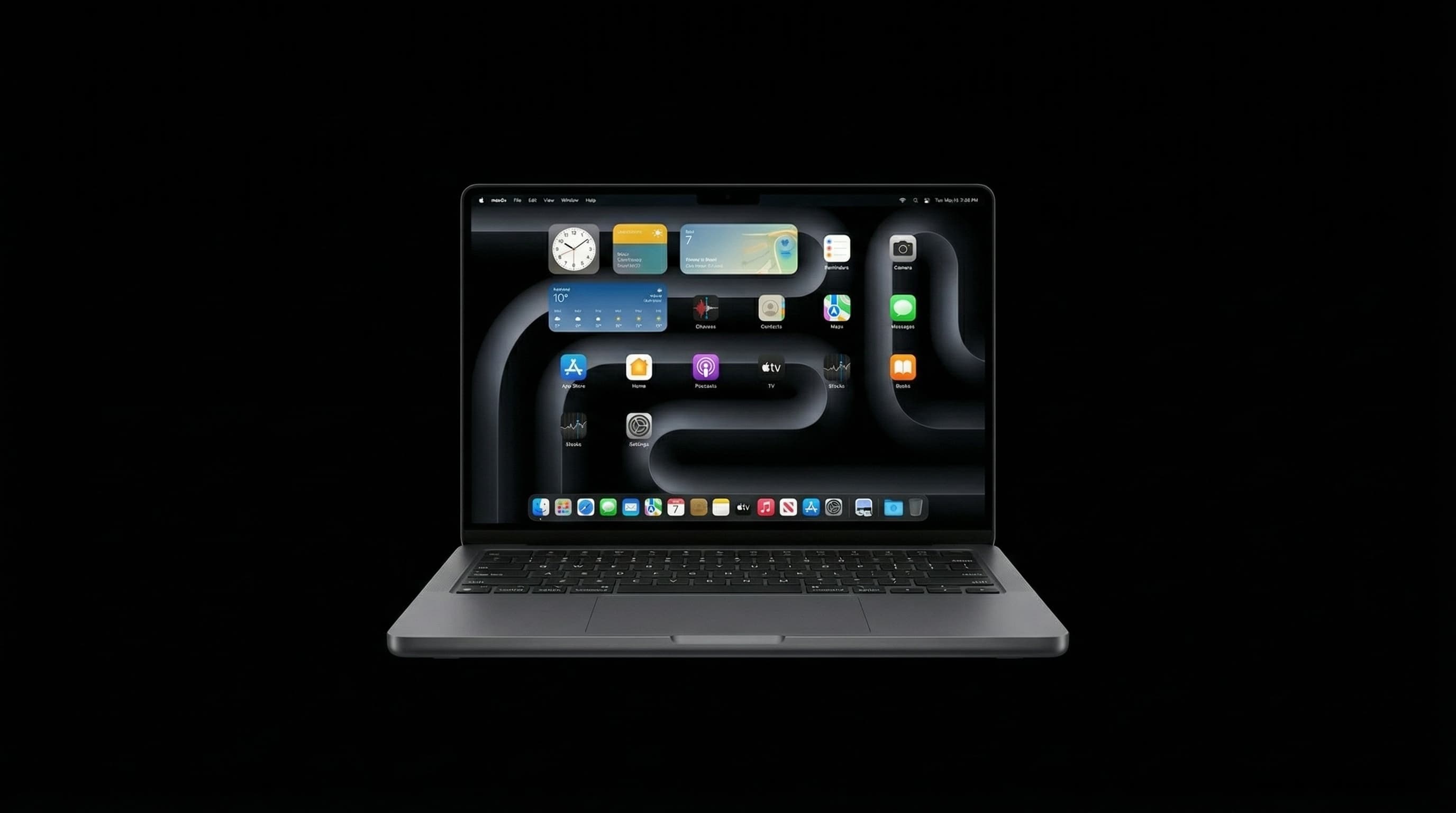
A MacBook Air M2 (A2681 or the 15-inch A2941) that stops charging soon after a spill nearly always has a fault on the charging path or the logic board. But not every "not charging" message means damage, and a few minutes of checking tells you how urgent it is. If liquid was involved, though, don't wait for the battery to run out before getting it looked at.
If the spill happened in the last day or two, shut the MacBook down and stop charging it. Charging a wet or corroding board can turn a small repair into a large one.
Is It Really Not Charging?
Some "Not Charging" messages are normal, so rule these out first.
- Optimised Battery Charging can hold the battery at around 80% for a while. The battery menu then shows "Charging on Hold" or "Not Charging". That's macOS protecting the battery, not a fault.
- A low-powered charger, such as a 20W phone charger, may not keep up while the Mac is working, so the percentage stays flat or falls.
- Some USB-C cables are charge-only or low-power. Try Apple's cable or a known 60W-rated one.
- If the battery menu says "Service Recommended", the battery itself is worn and may charge poorly.
What Do the MagSafe Light and the USB-C Ports Tell Me?
The M2 Air can charge through MagSafe 3 or either USB-C port. Try each one with a charger and cable you know work. The pattern is a useful clue to where the fault is.
| What you see | Likely cause | Urgency |
|---|---|---|
| Charges on MagSafe, not on USB-C (or the reverse) | Corrosion or damage on one port or its part of the charging path | Book a diagnosis soon |
| MagSafe light flickers or cuts out | Liquid residue or dirt in the MagSafe port, or a damaged cable | Clean carefully, then diagnose if it continues |
| No MagSafe light and no charging on any port | Damaged charging circuitry or a short on the board | Stop charging. Diagnose quickly |
| Mac runs on battery but the percentage never rises | Charging circuit fault or battery problem | Diagnose before the battery runs flat |
| Mac gets warm in one spot while plugged in | Short circuit on the board | Unplug now and bring it in |
Why Does a Spill Stop a MacBook From Charging?
Liquid that runs through the keyboard often reaches the area around the charging ports and the power components next to them. Tea and coffee leave sugars and minerals that keep corroding the metal contacts and the tiny components on the board. Rainwater carries enough minerals to do the same. Corrosion can short a component, which stops the board accepting power, or eat away a contact so a port only works some of the time. This is why a Mac that seemed fine after a spill can stop charging days later.
Can I Clean the Port Myself?
You can gently remove dust or lint from a port with a wooden toothpick or a soft brush while the Mac is switched off. Don't push metal objects into the port, and don't spray cleaners or contact cleaner into it. If liquid got inside the Mac, the problem is almost always beyond the port on the board, where only a professional clean reaches.
How Is Spill-Related Charging Damage Repaired?
- 1Free diagnosis: we test each charging path, measure what the Mac draws from the charger, and check the board's power rails for shorts.
- 2The logic board is removed and cleaned ultrasonically to get rid of all residue, including under components where it's invisible.
- 3Corroded or shorted components on the charging path are replaced at chip level under a microscope.
- 4Charging is tested on MagSafe and both USB-C ports, along with battery charging and everything else that runs from the board.
Will I Lose My Data?
No. A charging fault, even one caused by a spill, almost never affects the M2 chip or its storage, and a component-level repair leaves both untouched. The risk to your data comes from a replacement logic board, which starts with empty storage, or from shorts that spread because the Mac kept being charged while corroded. Getting it checked early protects both the board and the data.
How Much Does It Cost?
Cleaning after a spill starts from ₹2,500. If components on the charging path or board need replacing, water damage repair on the M2 Air, including the board work, typically costs ₹7,000–₹25,000, depending on how far the corrosion has spread. You get the exact figure in writing after the free diagnosis.
How Long Does It Take?
Diagnosis is usually done the same day. A clean with one or two component replacements usually takes 1–2 days. More extensive corrosion takes longer, because the board is tested properly before it goes back into the case. Every repair carries a 90-day warranty.
MacBook Air M2 Stopped Charging After a Spill?
Stop charging it and get a free diagnosis at Mac Repair Center, Kandivali West, or book a free pickup anywhere in Mumbai.
Free pickup available across all Mumbai areas · Mon–Sat 10am–8pm
10+ years of chip-level Apple repair experience in Mumbai. Specialises in MacBook logic board micro-soldering, data recovery, and complex Apple hardware faults. Every repair backed by a 90-day warranty.
Related Services & Repairs
Related service:
MacBook Not Charging Repair Mumbai — View Full Service Details →More from the Blog
Dead MacBook Air M2? How to Get Your Data Back (and What Not to Do First)
Your MacBook Air M2 won't turn on and your files aren't backed up. A step-by-step guide: check what's already safe, avoid the two mistakes that erase data for good, and how a board-level repair gets the files off.
MacBook Air M2 Not Turning On? 6 Fixes to Try Before Visiting a Repair Shop
MacBook Air M2 completely dead? Before spending money on repairs, try these 6 expert-verified fixes — most M2 'no power' cases have a free solution.
Power IC vs Charging IC Failure on M-Series MacBooks: Dead When Plugged In, or Just Won't Charge?
Two different chips cause two of the most common M-series MacBook faults. A failed charging IC stops the battery charging. A failed power IC can leave the Mac dead even on the charger. How to tell which one you're likely dealing with, and how each is repaired.
Apple Device Problem?
Get It Fixed Today — Free Diagnosis.
Mumbai's chip-level Apple repair specialists. Same-day repair · 90-day warranty · 100% data privacy. Don't settle for a slow fix or a replacement you don't need.
Open Mon–Sat · 10:00 AM – 8:00 PM · Mumbai